

Nail Salon POS Software: A Practical Guide to Running a More Organised Salon
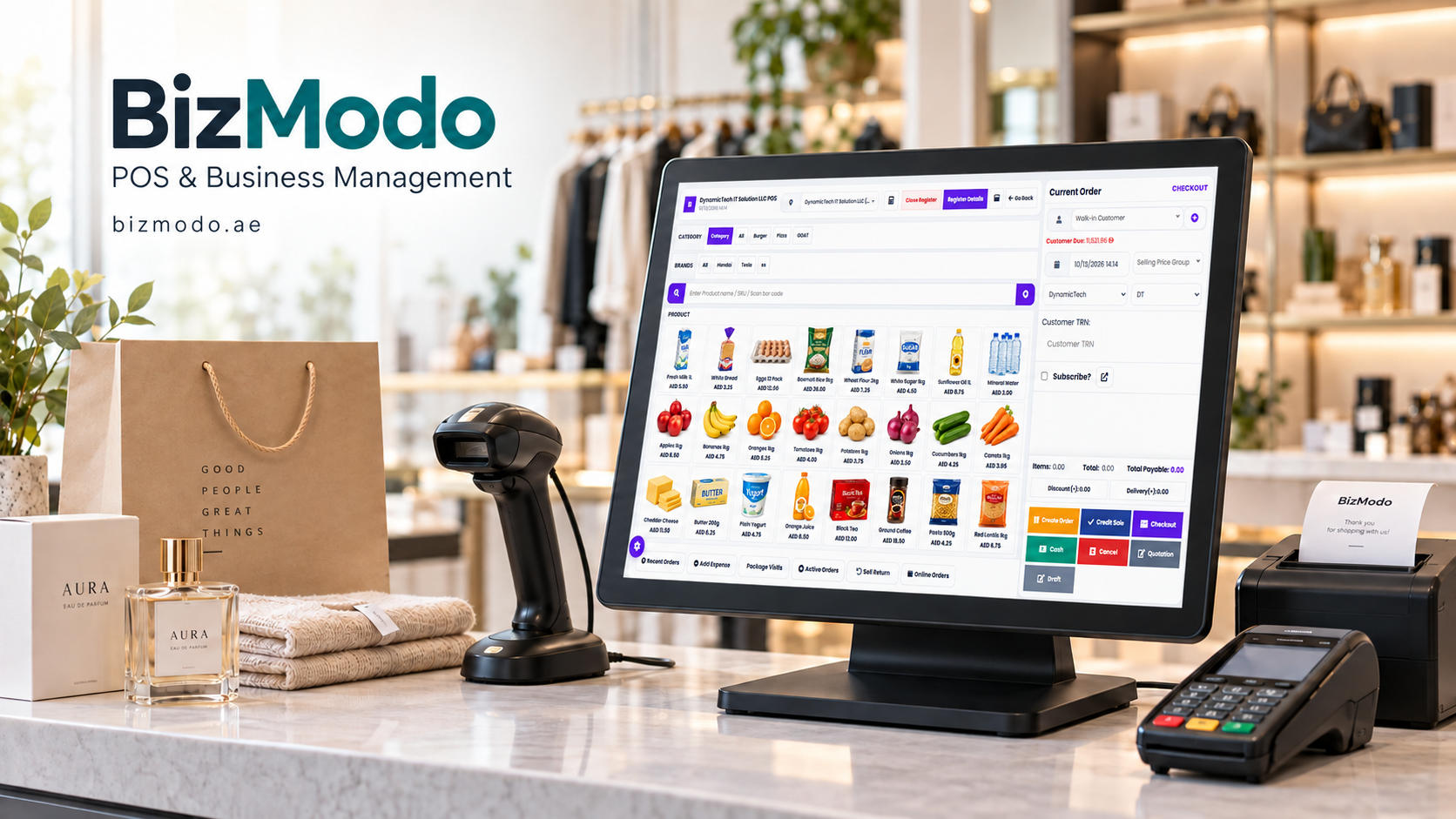
A busy nail salon can look successful from the outside while struggling with small operational problems behind the reception desk. Appointments overlap, technicians run behind schedule, products run out unexpectedly, and staff spend too much time checking payments or looking for client details.
These problems often begin when bookings, sales, and stock records are managed separately. A paper diary might hold appointments, a spreadsheet tracks supplies, and another system handles billing. Keeping everything accurate becomes harder as the business grows.
Nail Salon POS Software helps bring these activities together. Depending on the system and its features, it can connect checkout with appointments, customer records, inventory, and reporting. For salon owners, that means less time piecing together information and more time understanding what the business needs.
Here is how the right system can support daily operations and what to consider before choosing one.
What Is Nail Salon POS Software?
Nail salon POS software is a point-of-sale system designed or configured for businesses offering services such as manicures, pedicures, nail extensions, gel polish, and nail art.
Its basic purpose is to record sales and manage checkout. More comprehensive systems may also include appointment scheduling, technician assignments, client profiles, product tracking, and staff performance reports.
Consider a client who books a gel manicure, adds nail art during the appointment, and purchases cuticle oil before leaving. A suitable system should allow the receptionist to combine these items into one bill, record the payment, and update the retail product’s stock level.
The value comes from connecting related tasks so staff do not have to enter the same information several times.
Why Nail Salons Need More Than a Basic Billing System
Nail salons sell both time and products. A retail shop mainly needs to track what leaves the shelf. A salon also needs to know who is available, how long a treatment takes, and whether a booking requires additional preparation or removal time.
A standard manicure and a full set of extensions do not occupy the same amount of time. Detailed nail art may extend an appointment further. If the booking process ignores these differences, delays can spread throughout the day.
There are also different types of stock to manage. Bottles sold to customers need item-level tracking, while products used during treatments may require consumption estimates or periodic stock checks.
A suitable POS system should reflect these working conditions. Its usefulness depends on how well it supports the salon’s actual services, staffing, and checkout process.
Key Features to Look for in Nail Salon POS Software
1. Appointment Scheduling That Reflects Service Duration
A useful appointment calendar should show bookings, technician availability, and service duration clearly.
Look for the ability to:
- Set different durations for different treatments.
- Assign appointments to specific technicians.
- Reserve time for breaks, preparation, or cleaning.
- Reschedule bookings without losing important details.
- Distinguish confirmed, completed, cancelled, and missed appointments.
If online booking is available, check whether it follows the same availability rules as the reception calendar. Otherwise, staff may still need to resolve conflicting appointments manually.
2. Clear Billing for Services and Add-Ons
Nail treatments often involve extras. A client might request polish removal, repairs, extensions, or additional nail art after arriving.
Staff should be able to add these services to the bill quickly, using clearly defined prices. This helps avoid inconsistent charges and forgotten add-ons.
Checkout should also make discounts and payment status easy to understand. If the salon accepts deposits, confirm that the system applies the deposit correctly to the final balance.
A clear receipt helps the customer see exactly what they paid for and gives the salon a useful record if questions arise later.
3. Useful Customer Records
Repeat customers may prefer a particular technician, nail shape, colour, or service combination. Keeping relevant preferences in a client profile can make future appointments easier to prepare for.
Useful records might include previous visits, services purchased, product purchases, and loyalty balances.
However, salons should collect only the information they need. Access to personal details should be limited appropriately, and promotional messaging should respect customer consent.
Customer records work best when they help staff provide a consistent experience without making the booking or checkout process unnecessarily complicated.
4. Inventory Management for Retail and Treatment Supplies
Running out of a popular polish or essential treatment product can interrupt an otherwise well-planned day.
Inventory tools can help salon owners monitor stock, identify low quantities, and plan purchases. However, it is important to distinguish between retail inventory and products consumed during services.
Selling one bottle of nail oil can reduce stock by one unit automatically. Tracking the amount of gel used in a treatment is more complex. Some systems support service-based consumption rules, while others require manual adjustments.
Ask the provider to demonstrate both situations. A system that tracks retail sales does not necessarily track treatment supplies in the same way.
5. Staff Reporting and Commission Tracking
If technicians receive commissions, the software should support the salon’s actual calculation method.
For example, commission may vary by service, retail product, or staff member. Discounts and refunds may also affect the amount payable.
Before choosing a system, check how it handles:
- Different commission rates.
- Services delivered by more than one technician.
- Discounted treatments.
- Refunded transactions.
- Separate reporting for tips and commissions.
Accurate records can reduce the time spent calculating payments and make the figures easier to explain to staff.
How Better Records Improve the Customer Experience
Customers notice when a salon remembers their booking, starts with the correct service details, and presents an accurate bill.
Connected records can support each of these moments. Reception staff can check the appointment without searching through messages. Technicians can review relevant preferences. At checkout, completed services and approved extras can appear together.
For example, a returning client may book a pedicure and request the same polish used during their previous visit. If that preference was recorded, staff can check it quickly instead of asking the customer to remember the shade.
The software supports good service by making useful information available at the right time. Staff training and clear processes remain essential.
Using Reports to Make Better Business Decisions
Daily sales totals show how much money was recorded, but they do not explain everything about performance.
More useful questions include:
- Which treatments generate the most revenue?
- Which appointment times regularly remain empty?
- How much income comes from retail products?
- How frequently do clients return?
- How often are discounts or refunds applied?
Service duration also matters. A higher-priced treatment may occupy considerably more technician time than a simpler service.
When comparing services, consider revenue alongside treatment time, product costs, and staff costs. Sales reports alone should not be treated as profit reports unless the necessary costs are included.
These comparisons can help owners review pricing, appointment availability, and purchasing decisions using evidence from their own salon.
What UAE Salon Owners Should Check Before Buying
For a nail salon operating in Dubai, Abu Dhabi, Sharjah, or elsewhere in the UAE, practical details should form part of the software demonstration.
Check whether the system supports AED billing, the receipt languages your customers need, and the tax settings appropriate to your business. Confirm invoicing requirements with your accountant rather than assuming a generic receipt template covers every obligation.
Also review payment terminal compatibility, available hardware, customer support hours, and the process for exporting business data.
If you operate multiple locations, ask how branch-level stock, pricing, staff access, and reporting work. Features described as “multi-branch” can differ considerably between providers.
How to Introduce the System Without Disrupting Your Salon
Start by preparing accurate information. Create a clean service list with prices, durations, and add-ons. Review staff schedules and count opening stock before importing inventory figures.
Next, test common situations with your team. These should include a normal appointment, a walk-in customer, a deposit payment, a discounted service, and a refund.
Give staff time to practise before relying on the system during a busy shift. Agree on who can change prices, approve discounts, or edit completed transactions.
Finally, review the first few days of records carefully. Early checks help identify incorrect settings before they become recurring problems.
Choosing a System That Fits Your Business
The best Nail Salon POS Software is the system your team can use accurately during a busy working day.
Prioritise the features that solve your current problems, then consider what you may need as the salon grows. Ask for a demonstration based on your own services and working practices, and review the full cost, including setup, hardware, support, and optional features.
Salon owners exploring business software can contact BizModo to discuss their requirements and confirm which available solution fits their operations.
With suitable software, clear processes, and trained staff, managing appointments, payments, and stock becomes easier to coordinate—giving owners a clearer picture of how their salon is performing.
Frequently Asked Questions
What does nail salon POS software do?
It records sales and manages checkout. Depending on the product, it may also support appointments, customer profiles, inventory, staff commissions, and business reporting.
Can it manage walk-ins and booked appointments together?
Many salon-focused systems can support both. Check how walk-ins are added to the schedule and whether technician availability updates immediately.
Does it automatically track products used during treatments?
Not always. Retail stock tracking is different from treatment consumption tracking. Ask whether the system supports service-based usage rules or requires manual stock adjustments.
Is it suitable for a small nail salon?
A small salon can benefit when the software addresses a clear need, such as billing accuracy or appointment organisation. Ease of use and total cost should guide the decision.
What should I test during a demonstration?
Test a complete customer visit: booking, technician assignment, service add-ons, deposit adjustment, final payment, and receipt creation. Also check refunds, reports, and data export.

 English
 Arabic
 French
 Spanish
 Portuguese
 Deutsch
 Turkish
 Dutch
 Italiano
 Romaian
 Portuguese (Brazil)
 Greek