

QuickBooks Error 6000: The Complete Guide to Fixing It
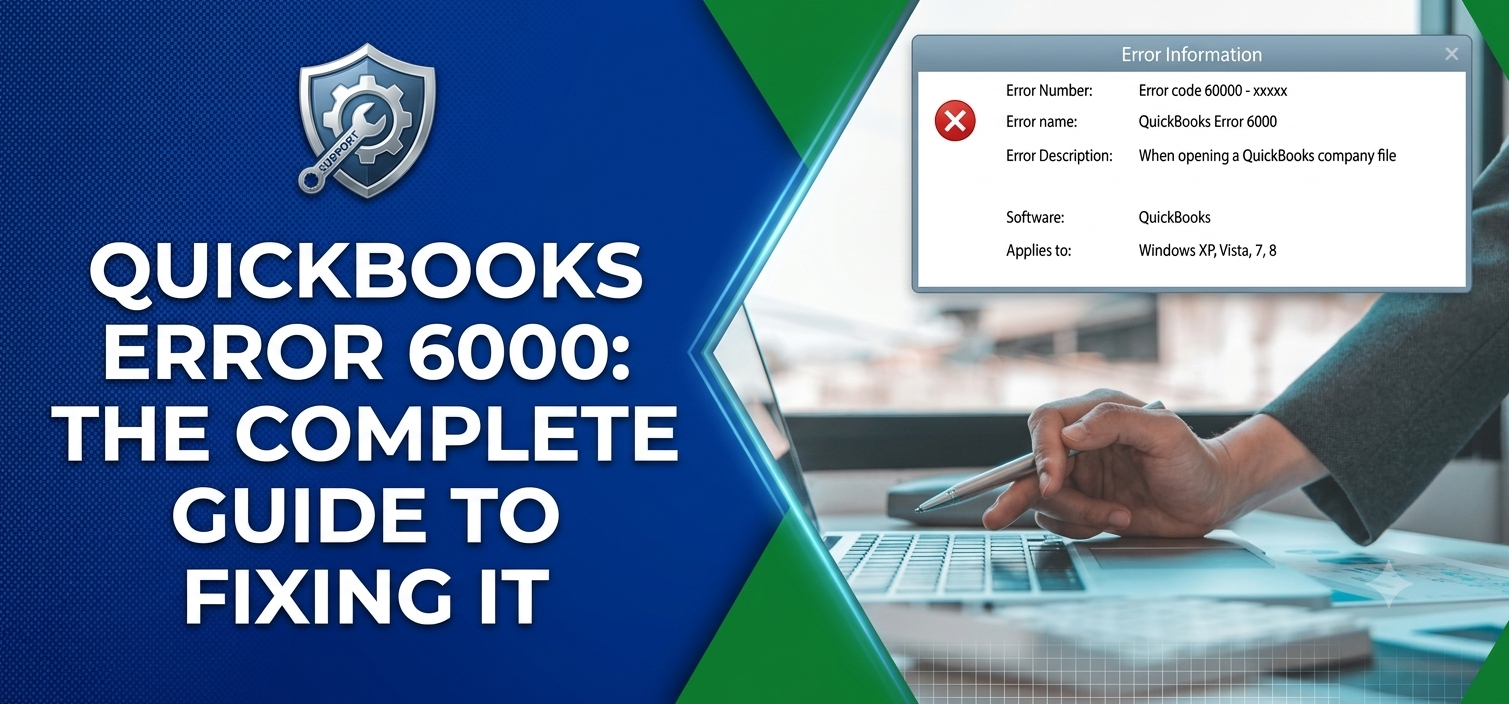
Classic Error 6000 timing. It never shows up on a slow Tuesday, it's always right when you're trying to close out a client's books before a deadline.
Small comfort here: "Error 6000" is really a whole cluster of errors wearing the same name tag. 6000, 6123, 6144, 6190, they're all cousins of the same underlying issue, just flagged with different sub-codes depending on what tripped it. Learn the pattern once and you'll either dodge it going forward or fix it in the time it takes to make coffee.
What Is QuickBooks Error 6000?
Put simply, QuickBooks can't open, restore, or connect to your company file (.QBW). It shows up constantly in multi-user network setups, but don't assume you're immune on a single machine, I've seen it happen there plenty. You'll usually get something like "An error occurred when QuickBooks tried to access the company file," with a code tacked on after, say 6000, -832.
Pay attention to that second number. It's doing the actual talking:
-
6000, 82: Network permission trouble
-
6000, 301: A damaged transaction log (.TLG) file
-
6000, 832: Two or more users stepping on each other's permissions
-
6123: A damaged network data file, or a firewall blocking QBDBMgrN.exe
-
6190: Your company file and transaction log have fallen out of sync
Why It Happens
Nine times out of ten, it's the network. A dropped connection, wrong folder permissions, a firewall port that's closed when it shouldn't be, any of these will do it.
Then there are the companion files. The .TLG and .ND files sit right next to your company file, and QuickBooks cross-checks them constantly. Damage one, delete one, or let them fall out of step, and you'll get flagged.
File paths are pickier than people expect too. Rename a file or drag it into a different folder, and QuickBooks can genuinely lose the thread.
Version gaps cause their own mess. Server's on QuickBooks 2024, someone's still running 2022 on their laptop, that mismatch alone is enough to set this off.
And don't sleep on antivirus software. It loves flagging QBDBMgrN.exe or QBCFMonitorService.exe as suspicious and quietly blocking them, which kills the communication your workstations need with the server.
How to Fix It
1. Run QuickBooks File Doctor. Grab QuickBooks Tool Hub, open Company File Issues, and launch File Doctor. Pick your file, select "Check your file and network," and let it run.
2. Check who's hosting. Only one machine, usually your server, should have multi-user hosting on. Head to File > Utilities on each workstation and confirm.
3. Rename the .ND and .TLG files. Find them next to your company file, add .OLD to each name, then reopen QuickBooks. It rebuilds fresh copies on its own.
4. Check folder permissions. On the server, right-click the folder holding your file, go to Properties > Security, and confirm QBDataServiceUserXX has full control.
5. Adjust your firewall or antivirus. Add exceptions for QBW32.exe, QBDBMgrN.exe, and QBCFMonitorService.exe.
6. Restart the QuickBooksDBXX service. Open services.msc, find QuickBooksDBXX, right-click, restart.
7. Try it locally. Copy the .QBW file to your desktop. Opens fine there? Then you're dealing with a network issue, not corruption.
8. Restore from backup, or try Auto Data Recovery if nothing above works. Either can rescue you when the file itself is genuinely damaged.
Still stuck after all that? Just call Intuit support or a ProAdvisor. Better than guessing your way into more damage.
Keeping It From Happening Again
A bit of upkeep saves a lot of hassle later:
-
Update QuickBooks on every machine, not just the server
-
Back up daily, locally and in the cloud
-
Skip storing files on external or shaky network drives
-
Run Verify Data now and then to catch small issues before they grow
-
Keep hosting limited to one computer
-
Leave antivirus exceptions in place so it stops interrupting QuickBooks
FAQs
What does Error 6000 actually mean? QuickBooks can't access, open, or restore your file, usually down to a network, permissions, or corruption issue.
Is my data at risk? Not usually. The file's typically fine, it's the connection that's broken. Still, keep a recent backup on hand just in case.
Why does this only happen on some computers? That's almost always a version mismatch or a permissions gap specific to that machine.
Can antivirus software really cause this? Yes, more often than people expect.
Should I delete the .TLG file? No, just rename it with .OLD. QuickBooks rebuilds it safely on its own.
What if restoring a backup doesn't work either? Try Auto Data Recovery next, or bring in a professional instead of repeatedly forcing the file open.

 English
 Arabic
 French
 Spanish
 Portuguese
 Deutsch
 Turkish
 Dutch
 Italiano
 Russian
 Romaian
 Greek