

What Internet Speed Do You Need for Smooth IPTV Streaming?
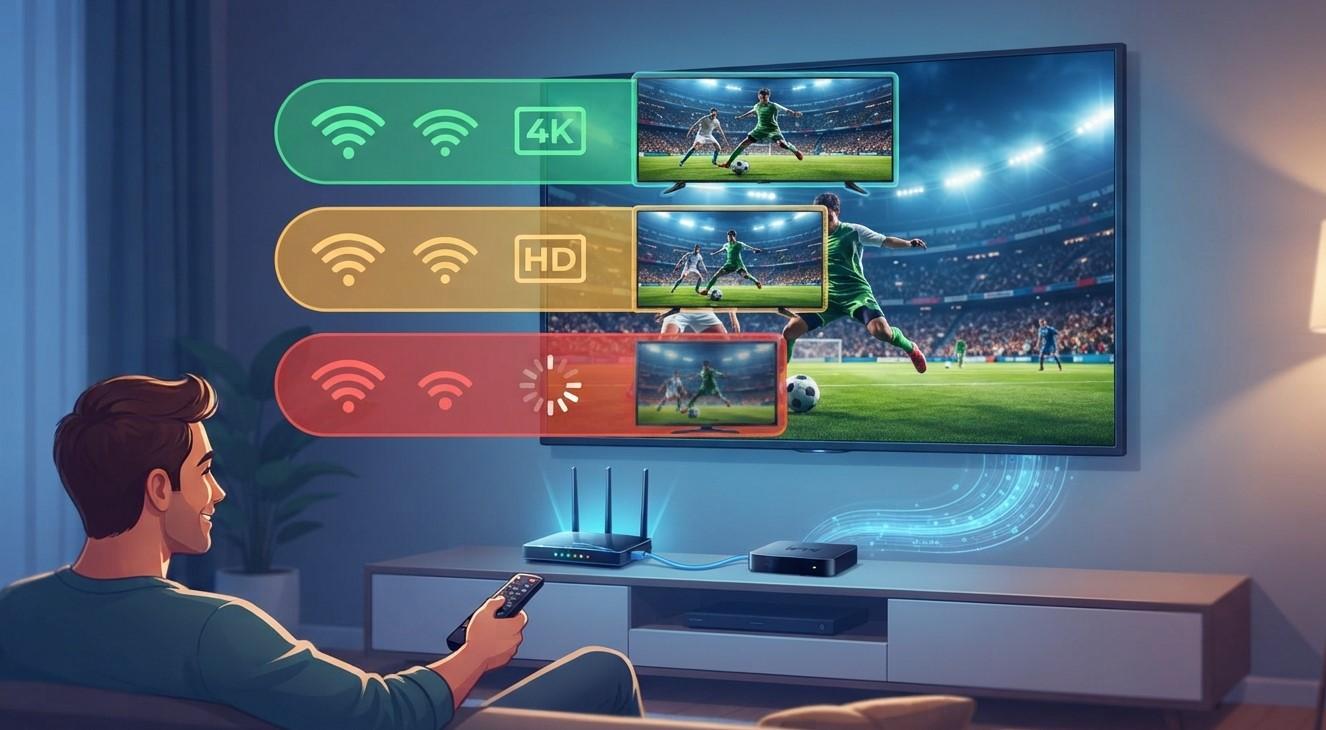
A smooth streaming experience depends on more than choosing a good television or streaming device. Your internet connection also plays an important role in how well IPTV works. Slow speeds, unstable connections, and network interruptions can cause buffering, freezing, and poor video quality.
So, what internet speed do you need for smooth IPTV streaming? Whether you enjoy live television, sports, movies, or TV shows, understanding your internet requirements can help you get better results from your IPTV Service.
In this guide, we will explain recommended internet speeds, factors that affect streaming quality, and practical ways to improve your connection when using the Best IPTV option for your entertainment needs.
Table of Contents
-
What Is IPTV Streaming?
-
Recommended Internet Speeds for IPTV
-
Factors That Affect IPTV Streaming Quality
-
How to Improve Your Internet Connection
-
Wi-Fi vs. Ethernet for IPTV
-
How to Choose the Right IPTV Service
-
Frequently Asked Questions
-
Final Thoughts and CTA
1. What Is IPTV Streaming?
IPTV stands for Internet Protocol Television. It delivers television content through an internet connection instead of traditional cable or satellite signals.
Depending on the provider, IPTV may offer live TV channels, movies, television series, sports programming, and video-on-demand content.
Because content is transmitted over the internet, your connection needs enough bandwidth to deliver video without frequent interruptions.
2. Recommended Internet Speeds for IPTV
The internet speed you need depends mainly on the video resolution and the number of devices streaming simultaneously.
Here are general recommended speeds for a single stream:
| Video Quality | Recommended Download Speed |
|---|---|
| SD (480p) | 3–5 Mbps |
| HD (720p) | 5–10 Mbps |
| Full HD (1080p) | 10–15 Mbps |
| 4K Ultra HD | 25 Mbps or higher |
These are general guidelines, not guaranteed requirements. Actual performance depends on video compression, provider infrastructure, network congestion, and other household internet usage.
What If Multiple Devices Stream at Once?
If several people use the same internet connection, you will need additional bandwidth.
For example, a household streaming two HD programs while browsing the internet may benefit from a connection of 25–50 Mbps or more.
For multiple 4K streams, consider a faster connection with sufficient available bandwidth.
3. Factors That Affect IPTV Streaming Quality
Even with a fast internet package, streaming problems can still occur.
Internet Stability
A consistent connection is important. Frequent drops in connectivity can interrupt playback.
Network Congestion
When multiple devices download files, play online games, or stream videos simultaneously, less bandwidth may be available for IPTV.
Wi-Fi Signal Strength
A weak wireless signal can reduce actual streaming performance, especially when your router is far from your television.
Streaming Device Performance
Older streaming devices may struggle with high-resolution video or demanding applications.
IPTV Provider Performance
The provider's servers, network capacity, and content delivery setup can also affect playback quality.
4. How to Improve Your Internet Connection
If your IPTV keeps buffering, try these practical solutions:
-
Restart Your Router: A restart may resolve temporary network problems.
-
Use a Wired Connection: Connect your streaming device directly to the router using Ethernet when possible.
-
Reduce Background Downloads: Pause unnecessary downloads and updates while streaming.
-
Move Closer to the Router: Improve Wi-Fi signal strength by reducing distance and obstacles.
-
Update Your Device: Install available software and application updates.
-
Check Your Internet Speed: Run a speed test to identify potential bandwidth problems.
-
Contact Your Provider: Ask your internet provider about recurring connection issues.
These simple steps can help improve your overall streaming experience.
5. Wi-Fi vs. Ethernet for IPTV
Both Wi-Fi and Ethernet can support IPTV streaming, but they offer different advantages.
| Feature | Wi-Fi | Ethernet |
|---|---|---|
| Connection type | Wireless | Wired |
| Installation | Convenient | Requires a cable |
| Stability | Depends on signal strength | Generally more consistent |
| Flexibility | High | Limited by cable length |
| Interference | Can experience interference | Less affected by wireless interference |
For the most consistent connection, Ethernet is generally a good choice. However, modern Wi-Fi networks can also provide excellent streaming performance when properly configured.
6. How to Choose the Right IPTV Service
Your internet speed is only one part of the streaming experience. When selecting an IPTV Service, consider these important factors:
-
Streaming quality: Check the available video resolutions.
-
Content selection: Look for programming that matches your interests.
-
Device compatibility: Confirm that your Smart TV or streaming device is supported.
-
Reliability: Research independent customer feedback.
-
Customer support: Choose a provider with accessible technical assistance.
-
Legal authorization: Verify that the provider has the necessary content distribution rights.
Comparing these details can help you identify the Best IPTV option for your needs.
Frequently Asked Questions (FAQs)
1. Is 10 Mbps enough for IPTV?
A 10 Mbps connection may be sufficient for a single SD or HD stream, depending on the provider and network conditions.
2. Is 25 Mbps enough for 4K IPTV?
Generally, 25 Mbps is a useful minimum guideline for one 4K stream. A faster connection may be necessary if other devices are using the network.
3. Why does IPTV buffer even with fast internet?
Buffering can result from network congestion, weak Wi-Fi signals, unstable connections, device limitations, or provider-side problems.
4. Is Ethernet better than Wi-Fi for IPTV?
Ethernet generally provides a more stable connection and reduces wireless interference. However, good Wi-Fi can also work well.
5. Does IPTV use a lot of internet data?
Yes. Streaming consumes data continuously. Higher video resolutions generally use more data than lower resolutions.
6. Can I watch IPTV on multiple devices?
Some providers support multiple devices or simultaneous streams. Check the subscription terms and connection limits before purchasing.
Final Thoughts
Smooth IPTV streaming requires a stable internet connection with enough available bandwidth for your preferred video quality. While SD and HD streaming can work with moderate speeds, Full HD and 4K content generally require faster connections.
For the best experience, monitor your internet speed, improve your Wi-Fi signal, and choose compatible streaming equipment. Also, research your IPTV provider's reliability and content licensing before subscribing.
Explore SmartiFilix for Your Streaming Needs
Looking for an IPTV option to explore? Visit SmartiFilix to learn more about its available subscription plans, streaming features, and device compatibility.
Visit SmartiFilix – Explore IPTV Options
Discover the available features and explore an entertainment solution that suits your viewing preferences.

 English
 Arabic
 French
 Spanish
 Portuguese
 Deutsch
 Turkish
 Dutch
 Italiano
 Russian
 Romaian
 Greek