

IPTV on Samsung and LG Smart TVs: What to Check Before Setup
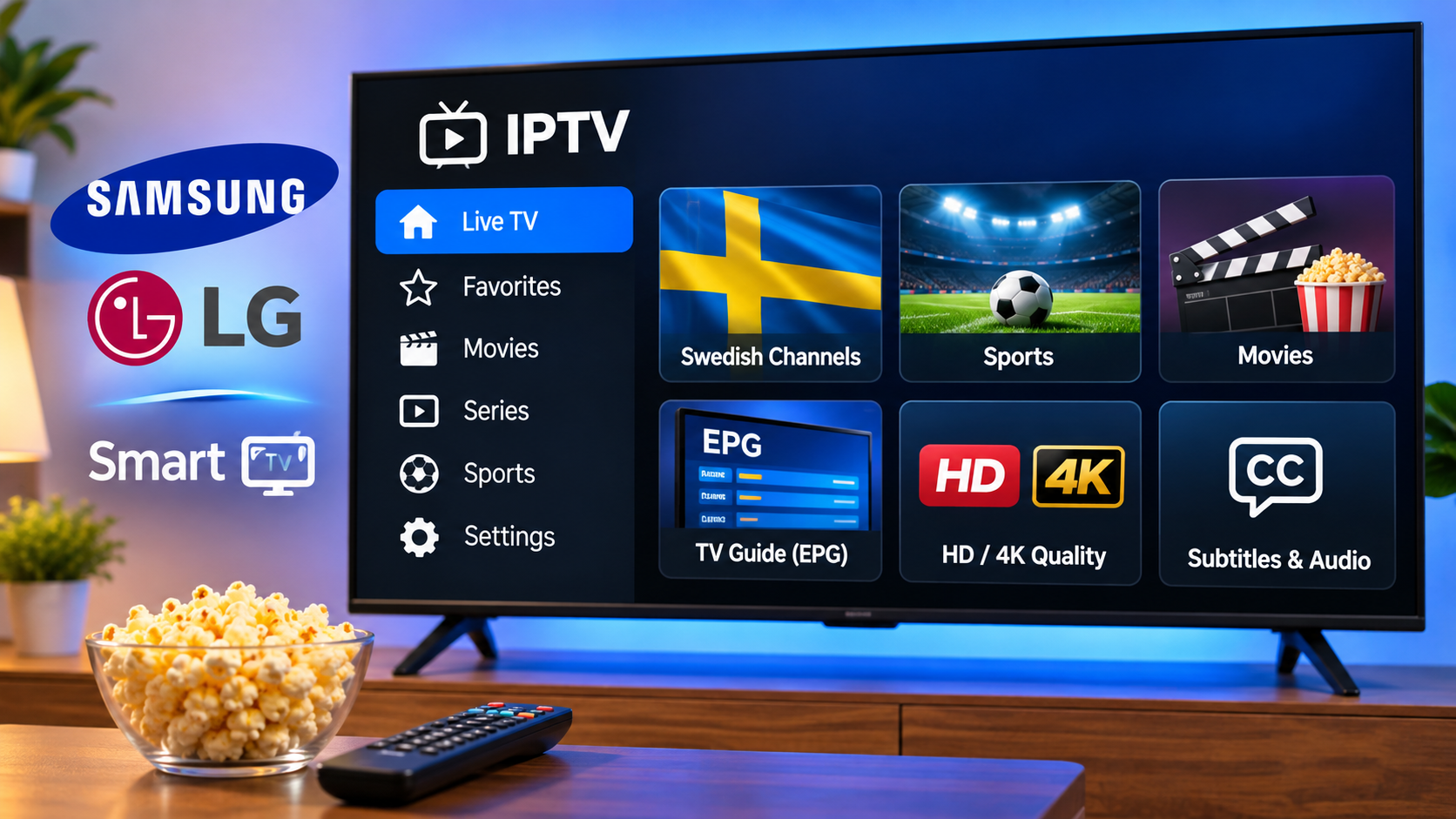
Smart TVs have made IPTV easier to access because many users can install a compatible player directly on the television without adding a separate streaming box. Samsung and LG are two of the most common Smart TV brands in Nordic households, but their operating systems, app stores, and available IPTV players can differ.
Before choosing an application, it helps to understand device compatibility, network requirements, playlist support, and common limitations.
How IPTV Works on a Smart TV
An IPTV player is an application that organizes and plays streams provided through a compatible IPTV service.
Depending on the provider and application, users may connect through:
-
M3U playlists
-
Xtream-style login details
-
Portal information
-
Username and password credentials
The player itself does not automatically provide television content. It acts as the interface between the television and the IPTV service.
Samsung and LG Use Different Operating Systems
Samsung and LG televisions do not use the same software platform.
Samsung Smart TVs generally use Samsung's own television operating system, while LG televisions use webOS. Because of this, an IPTV application available on one brand may not necessarily exist on the other.
Users should check the television's app store before purchasing or configuring a player.
Application availability may also depend on:
-
TV model
-
Manufacturing year
-
Region
-
Software version
Older televisions may offer fewer compatible apps than newer models.
Check App Compatibility First
One of the most common IPTV setup mistakes is assuming that every player works on every Smart TV.
Before selecting an app, confirm that it supports the exact television platform being used.
A useful IPTV player should ideally offer:
-
Simple channel navigation
-
Favorites
-
Search
-
Electronic Program Guide support
-
Playlist management
-
Subtitle controls
-
Audio track selection
Users do not necessarily need every advanced feature. A stable player with simple navigation can often provide a better everyday experience.
Use Favorites to Simplify Large Channel Lists
Large IPTV libraries can contain many channels and categories.
Adding frequently watched channels to favorites can reduce unnecessary scrolling.
A favorites section may include:
-
Swedish channels
-
Nordic entertainment
-
Sports
-
News
-
Movies
-
International channels
Keeping favorites organized around actual viewing habits makes the interface much easier to use.
EPG Support Can Improve Live TV Navigation
An Electronic Program Guide, or EPG, displays schedule information for live channels when suitable guide data is available.
A good EPG may show:
-
Current programs
-
Upcoming programs
-
Start and end times
-
Channel schedules
-
Program descriptions
This allows users to browse programming before opening individual channels.
If the EPG displays incorrect times, checking the Smart TV's timezone and date settings is a useful first troubleshooting step.
Internet Stability Matters More Than Maximum Speed
Smart TV IPTV performance depends heavily on the home network.
Users often focus on advertised broadband speed, but connection stability is equally important.
A fast connection that frequently drops can cause more problems than a slightly slower but stable connection.
Common network-related symptoms include:
-
Buffering
-
Slow channel loading
-
Playback interruptions
-
Reduced video quality
-
Streams stopping unexpectedly
Testing the internet connection near the television can provide a more realistic picture of actual performance.
Ethernet Can Provide a More Stable Connection
Many Smart TVs include an Ethernet port.
Connecting the TV directly to the router may reduce Wi-Fi interference and provide more consistent streaming.
Ethernet can be especially useful when:
-
The TV is close to the router
-
Several people use Wi-Fi simultaneously
-
The home has crowded wireless networks
-
High-resolution streaming is common
Wi-Fi can still work well when coverage is strong, but a wired connection is worth testing if buffering is frequent.
Improve Wi-Fi When Ethernet Is Not Practical
Running a cable across the home is not always convenient.
When Wi-Fi is required, router placement becomes important.
Try to keep the router:
-
Away from enclosed cabinets
-
Away from large metal objects
-
In a central location
-
Reasonably close to the television
In larger homes, a suitable mesh Wi-Fi system may improve coverage in rooms that receive a weak signal.
Keep the Smart TV Updated
Television manufacturers release software updates that may improve performance, security, and app compatibility.
Users should periodically check for:
-
Smart TV firmware updates
-
IPTV app updates
-
Router firmware updates
An outdated television or player can sometimes experience login, navigation, or playback problems after service or application changes.
Manage Limited Storage
Smart TVs generally have less internal storage than computers or many dedicated streaming devices.
Installing many unnecessary applications can reduce available space.
If the television becomes slow, users can review installed apps and remove those they no longer use.
Low storage may contribute to:
-
Slow menus
-
Failed updates
-
App crashes
-
Longer loading times
Keeping the television relatively uncluttered can help maintain smoother performance.
Understand Video Quality Settings
Higher resolution requires more bandwidth and device resources.
A television capable of displaying 4K does not mean every IPTV stream will be available in 4K.
Final picture quality depends on:
-
Stream quality
-
IPTV player
-
Internet stability
-
TV capabilities
-
Network congestion
Stable HD playback can sometimes provide a better experience than a higher-resolution stream that continually buffers.
Check Subtitle and Audio Options
Nordic households may watch content in several languages.
Depending on the stream and IPTV application, users may be able to switch between subtitle and audio tracks.
Possible language options can include Swedish, Norwegian, Danish, Finnish, English, and other international languages.
Availability depends on the individual stream, so users should not assume that every program includes multiple language choices.
A player with clear subtitle and audio controls can nevertheless make multilingual viewing easier.
When a Smart TV App Is Not Enough
Some older Samsung or LG televisions may have limited app support.
In these cases, adding a dedicated streaming device can be more practical than replacing the television.
A compatible streaming box can provide:
-
Additional IPTV player choices
-
Faster hardware
-
More frequent software updates
-
More storage
-
Greater app flexibility
This can extend the useful life of an older Smart TV.
Compare IPTV Services With Device Compatibility in Mind
Choosing an IPTV service should involve more than comparing content.
Users should also check whether the service works with their preferred Smart TV setup and login method.
People researching IPTV options for Sweden and Nordic viewing can include VIKING IPTV in their comparison while reviewing current subscription information, device compatibility, setup guidance, and available viewing options.
Checking these details before subscribing can reduce configuration problems later.
Troubleshooting a Smart TV IPTV App
If an IPTV player stops working correctly, users can follow a simple troubleshooting process.
Restart the App
Close the application completely and reopen it.
Restart the Television
A full restart can clear temporary software issues.
Test the Internet Connection
Open another streaming application or run a network test.
Restart the Router
If several devices are experiencing connection problems, restarting the router may help.
Check for Updates
Install available updates for both the television and IPTV application.
Try Another Channel
If only one stream has a problem, the issue may not be related to the television.
Do Not Ignore Remote Control Usability
An IPTV app may offer many features but still be frustrating if it is difficult to control with the television remote.
Before committing to a player, test:
-
Menu navigation
-
Channel switching
-
Search
-
Favorites
-
EPG browsing
-
Playback controls
A well-designed television interface should be usable from the sofa without complicated steps.
Final Thoughts
Samsung and LG Smart TVs can provide a convenient IPTV experience without requiring additional hardware.
The best results usually come from combining a compatible IPTV player, stable network connection, updated television software, organized favorites, and suitable video settings.
Users should check app availability before setting up a service because Samsung and LG platforms can support different players.
By matching the IPTV application to the television, network, and viewing habits, Smart TV users can create a simpler and more reliable home streaming setup.

 English
 Arabic
 French
 Spanish
 Portuguese
 Deutsch
 Turkish
 Dutch
 Italiano
 Russian
 Romaian
 Greek