

IPTV at a Summer House: How to Build a Simple Streaming Setup
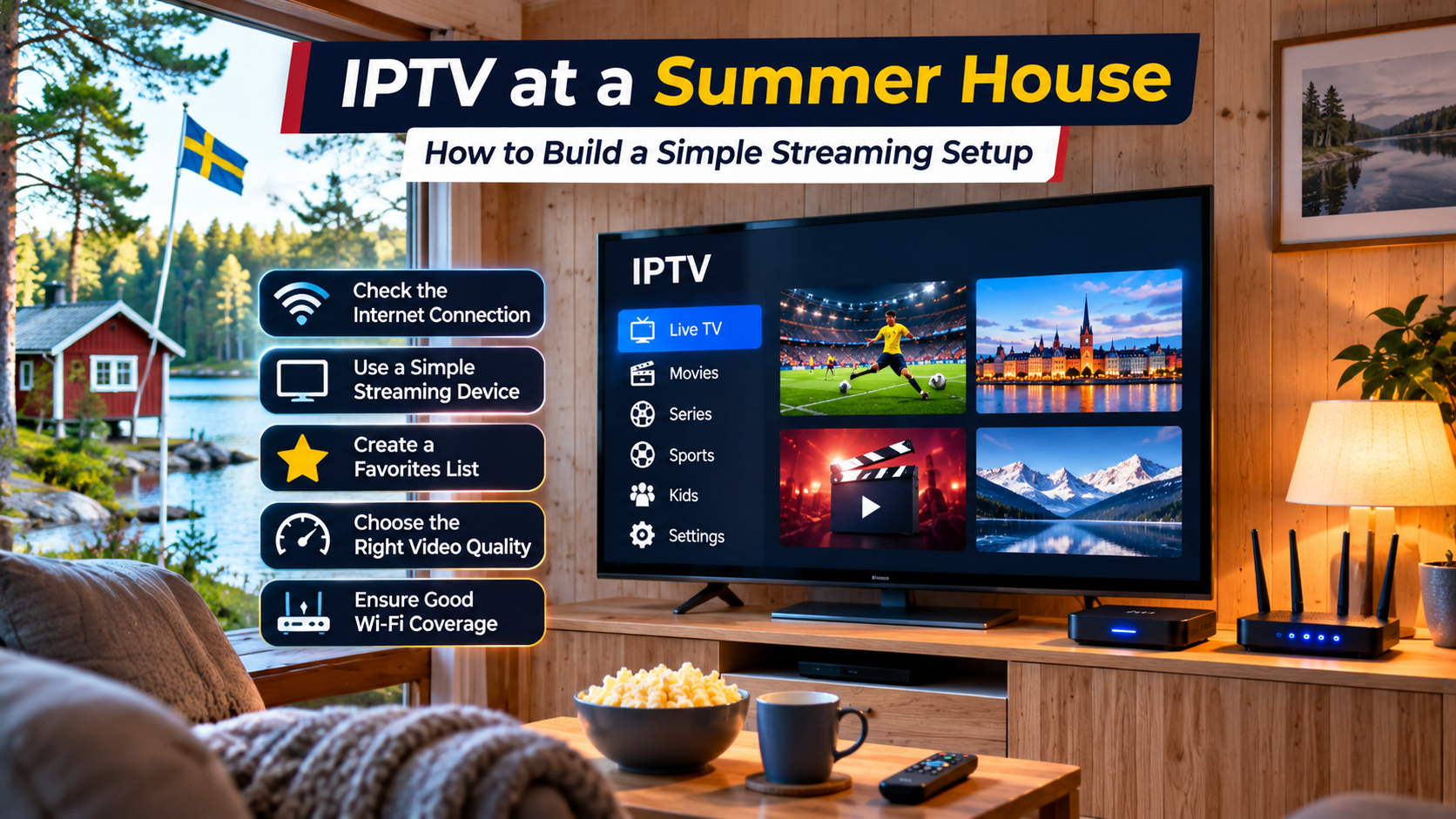
A summer house, cabin, or second home is supposed to be a place where things feel simpler. Television should follow the same rule.
The problem is that a streaming setup that works perfectly in your main home may behave very differently at another property. Internet speeds can be lower, Wi-Fi coverage may be weaker, and you probably do not want to maintain a complicated collection of boxes, cables, and remote controls.
For people who spend weekends or holidays away from their main home, IPTV can be a practical option when the property has a reliable internet connection. The key is building the setup around the conditions at the second home rather than copying everything from your primary residence.
Check the Internet Before Buying Any Equipment
The first question is not which IPTV player to install. It is whether the property has a stable connection.
Second homes are often located outside major city centers, so the available internet may be different from what you use every day.
Possible connections include:
-
Fiber broadband
-
Fixed wireless internet
-
4G or 5G home broadband
-
Mobile hotspot
-
Traditional fixed broadband
A fast connection is useful, but stability matters just as much.
A connection that reaches a high speed for a few seconds and then repeatedly drops can be more frustrating than a slower connection that remains consistent.
Test the Connection Where the TV Actually Sits
Running a speed test beside the router is not enough if the television is located on the other side of the house.
Walk to the room where IPTV will be used and test the connection there.
This is especially important in older Nordic houses where thick walls, timber construction, extensions, or multiple floors can affect wireless coverage.
If the signal falls sharply between the router and television, solve that problem before spending money on new streaming hardware.
Keep the Hardware Simple
A second-home entertainment system does not need to match your main living room.
For many people, the easiest setup is:
-
Television with HDMI
-
Compact streaming device
-
Wi-Fi connection
-
Simple remote control
-
Compatible IPTV player
That is often enough.
If the television already supports the IPTV application you want to use, you may not need an external device at all.
An Older TV Can Still Work
Many summer houses contain televisions that are several years old but still produce a perfectly good picture.
There is little reason to replace a working screen simply because its Smart TV software is outdated.
If the television has HDMI, you can often add a modern streaming device such as:
-
Android TV device
-
Google TV device
-
Apple TV
-
Compatible streaming stick
The external device handles the applications and internet connection while the television simply displays the picture.
Think About What You Actually Watch There
Viewing habits at a second home are often different.
At your main home, you may regularly watch movies, series, news, sports, and children's programming.
At the summer house, perhaps you only want:
-
Evening news
-
Weekend football
-
A few Swedish channels
-
Children's entertainment
-
Movies after dinner
If that is the case, there is no need to create a complicated interface.
A smaller favorites list can make the entire setup much easier to use.
Create a Dedicated Summer House Favorites List
When you first configure the IPTV player, spend a few minutes saving the channels you are most likely to use.
For example:
News
Keep one or two familiar news channels easily accessible.
Sports
Save the sports channels you actually follow rather than every option available.
Family Viewing
Add a few general entertainment and children's channels.
Nordic Television
Keep frequently watched Swedish or Nordic channels together.
This way, nobody needs to scroll through a huge playlist every time the television is switched on.
Mobile Broadband Can Be Enough
Not every second home has fiber.
In many locations, 4G or 5G home broadband may be the easiest internet option.
This can work well for IPTV when:
-
Mobile coverage is strong
-
The connection remains stable
-
Your data plan is suitable
-
Several devices are not heavily using the connection at the same time
Do not judge mobile broadband only by the signal bars on your phone.
Test actual streaming performance at the property.
Coverage can vary dramatically even between two houses in the same area.
Check Your Data Allowance
If the connection uses mobile data, keep an eye on the plan limits.
Video streaming can consume significant amounts of data, especially when watching high-resolution content for several hours.
A family spending a full summer weekend watching television can use far more data than someone checking emails and browsing websites.
Before relying on mobile broadband for IPTV, review:
-
Monthly data allowance
-
Fair-use rules
-
Speed reductions after a limit
-
Roaming conditions if relevant
Unlimited plans can simplify things, but the exact terms still matter.
Do You Really Need 4K?
A second-home television may not need the highest possible stream quality.
If the screen is smaller or the internet connection is less consistent, Full HD may provide a better balance.
Higher-resolution streams can require more bandwidth and may become unstable when several people are online.
If you experience buffering, try a lower-quality version of the same channel before changing the entire setup.
A stable picture is usually more enjoyable than a higher-resolution stream that stops repeatedly.
Router Placement Matters More Than People Expect
At a summer house, the router often ends up wherever the internet connection enters the building.
That location might be convenient for installation but terrible for Wi-Fi.
Avoid placing the router:
-
Inside a cupboard
-
Behind the television
-
Near large metal surfaces
-
On the floor
-
At the far edge of the property
If possible, move it to a more open position.
Sometimes a few meters of movement can make a noticeable difference.
A Mesh System May Help Larger Properties
Some cabins and second homes have several floors, extensions, or separate sleeping areas.
If one router cannot cover the property properly, a small mesh Wi-Fi setup may help.
Do not automatically buy the largest system available.
For a modest house, two well-positioned access points may be more useful than several unnecessary units.
Test coverage first and solve the actual weak areas.
Ethernet Is Worth Considering
If the router sits close to the main television, an Ethernet cable can make the streaming setup much more predictable.
A wired connection removes many common Wi-Fi variables.
This can be particularly useful if:
-
The property has thick walls
-
Several neighboring networks are visible
-
Wi-Fi performance changes frequently
-
The television stays in one permanent location
A short cable is not as elegant as wireless streaming, but at a second home reliability may matter more.
Make Sure the IPTV Player Is Easy to Use
A holiday property is not the place for an overly complicated application.
Choose a player with a clear interface and straightforward remote navigation.
Useful features include:
-
Favorites
-
Search
-
EPG
-
Channel categories
-
Subtitle controls
-
Simple login
The application should be easy enough that another family member can use it without asking how to reach the channel list every evening.
Save Your Login Information Securely
One surprisingly common second-home problem is arriving at the property and discovering that nobody remembers the IPTV credentials.
Keep the necessary information somewhere secure.
Depending on your setup, that may include:
-
Username
-
Password
-
Server URL
-
M3U playlist
-
Portal information
A password manager is better than leaving credentials written beside the television.
It also makes setup easier if the streaming device ever needs to be replaced.
Check the Subscription's Device Rules
Using IPTV at a second property can involve another device or network.
Before setting everything up, review the service terms.
Check whether the subscription allows:
-
Multiple registered devices
-
Use from another location
-
Simultaneous connections
-
Mobile and Smart TV access
A service that works on your living room television does not automatically mean two households can stream simultaneously under one connection.
Nordic Viewers Have Different Second-Home Needs
Second homes and cabins are common across the Nordic region, so flexibility between devices and connection types can be useful.
Someone comparing IPTV options for a Swedish home, cabin, or other Nordic property may encounter Nordic IPTV King while researching IPTV services, device compatibility, and regional viewing options.
Whatever service you choose, check that it works with the hardware and internet connection available at the property.
Keep the EPG Timezone Correct
If the property is in the same country as your main home, the program guide should normally use the same local timezone.
If the EPG appears one hour early or late, check:
-
Device time
-
Device timezone
-
IPTV player timezone
-
EPG offset
Avoid changing several time settings at once.
Start with the device clock and work from there.
Update Everything Before the Holiday
Nobody wants to spend the first evening of a trip downloading software updates.
Before leaving your main home, update the streaming device if possible.
Check:
-
Operating system
-
IPTV application
-
Remote firmware where applicable
-
Other important streaming apps
If the device stays permanently at the second home, perform updates early in your visit rather than just before an important match or program.
Turn Off Equipment When the Property Is Empty
If nobody will use the house for weeks or months, consider whether devices need to remain powered.
Depending on the equipment and property setup, you may be able to switch off:
-
Television
-
Streaming box
-
Unnecessary chargers
The router may need to remain active if the house uses connected security cameras, heating controls, alarms, or other smart devices.
Plan around those requirements rather than switching everything off automatically.
Check the Setup After a Long Absence
A device left unused for several months may need attention when you return.
Before assuming something is broken:
-
Check the internet connection.
-
Restart the router if necessary.
-
Restart the streaming device.
-
Check for application updates.
-
Refresh the IPTV playlist.
-
Refresh the EPG.
Often the system simply needs fresh network and guide data.
Have a Backup for Important Events
If you travel to the summer house specifically to watch an important sports event, test everything before kickoff.
Open the channel earlier in the day.
Check the connection and make sure the remote has working batteries.
If your fixed connection is sometimes unreliable, a phone with sufficient mobile data can provide a temporary backup connection.
It is much easier to solve problems at 16:00 than five minutes before a match begins.
Keep the Setup Secure
A second home should not become the forgotten part of your network security.
Use:
-
A strong Wi-Fi password
-
Updated router firmware
-
Trusted IPTV applications
-
Secure account credentials
If guests regularly use the property, consider creating a guest Wi-Fi network rather than sharing the main network password.
Avoid Leaving Personal Accounts on Rental TVs
If the property is rented out when you are not using it, be careful with accounts stored on the television.
Guests should not have access to your personal IPTV or streaming credentials.
A better approach may be to:
-
Sign out before leaving
-
Use separate profiles
-
Remove saved credentials
-
Keep your personal streaming device with you
This is especially important if many different people use the house throughout the year.
Use Legitimate Content Sources
The fact that television is delivered through IPTV does not determine whether a service has the right to distribute particular channels.
Choose legitimate providers and respect applicable copyright rules, service terms, and content restrictions.
The same rules apply whether you are watching in your main home, a cabin, or a summer house.
Final Thoughts
A good IPTV setup at a second home should be simple enough that you barely think about it.
Start with the internet connection, test Wi-Fi where the television actually sits, and keep the hardware uncomplicated. A compatible streaming device, a short favorites list, and a reliable network are often more useful than an elaborate entertainment system.
If the property uses mobile broadband, pay attention to signal strength and data limits. If Wi-Fi coverage is weak, improve the network before blaming the IPTV player.
Set everything up properly once, keep the login details secure, and you can spend the rest of your time at the summer house watching television instead of troubleshooting it.

 English
 Arabic
 French
 Spanish
 Portuguese
 Deutsch
 Dutch
 Italiano
 Russian
 Romaian
 Portuguese (Brazil)
 Greek