

Why Is My iPhone Screen Brightness Changing Automatically?
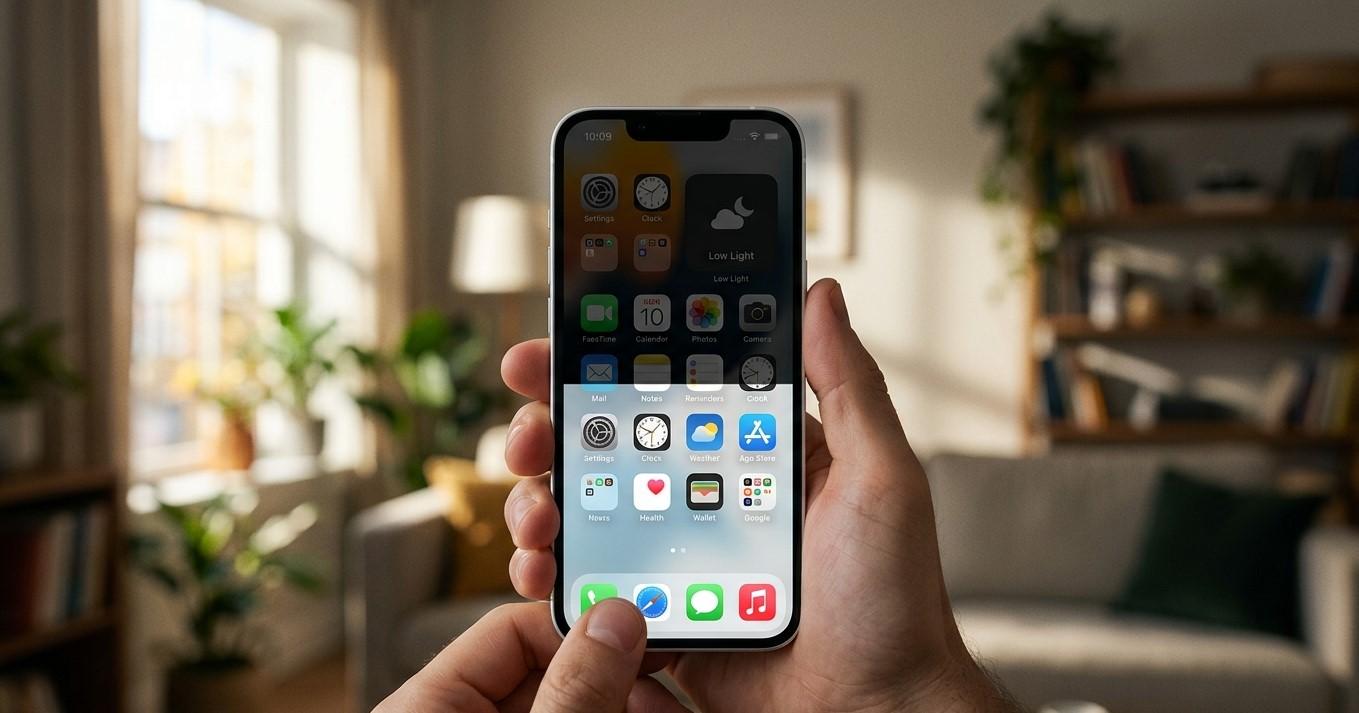
Have you ever noticed your iPhone screen suddenly becoming brighter or dimmer without touching the brightness controls? Automatic changes in screen brightness can be confusing, especially when you are reading, watching videos, browsing the internet, or using an app. In many cases, this behavior is completely normal because your iPhone uses several features to adjust the display based on lighting conditions, battery status, temperature, and other settings.
However, if your iPhone screen keeps changing brightness unexpectedly or becomes extremely dim, the problem may sometimes be related to software issues, overheating, display settings, or hardware damage.
Understanding why your iPhone screen brightness changes automatically can help you determine whether the behavior is normal or whether additional troubleshooting is necessary. If the problem continues, professional iPhone repair Brooklyn NY can help identify the cause. Avenue D Cellular provides diagnostic and repair services for common iPhone issues, including display problems and iPhone screen repair Brooklyn.
Why Does My iPhone Screen Brightness Change Automatically?
Your iPhone is designed to adjust its display in response to different conditions. The phone may change brightness to make the screen easier to see, reduce battery usage, or protect internal components.
Common reasons include:
- Auto-Brightness
- Changes in surrounding light
- True Tone settings
- Night Shift
- Low Power Mode
- Overheating
- Attention-related features
- Software glitches
- Display problems
- Physical damage
Before assuming that something is wrong, it is important to understand how these features work.
1. Auto-Brightness Is Enabled
Auto-Brightness is one of the most common reasons an iPhone changes screen brightness automatically.
This feature uses sensors to detect the amount of light around you. When you move into a bright environment, your iPhone may increase screen brightness. When you enter a darker room, the display may become dimmer.
For example, your screen may brighten when you go outside during the day and dim when you enter a darker area.
This feature is designed to improve visibility and help manage power usage.
If your iPhone's brightness changes gradually depending on your surroundings, Auto-Brightness may be working normally.
2. Changes in Surrounding Lighting
Even if you do not notice it immediately, the lighting around you can change frequently.
Moving closer to a window, walking outside, turning on a lamp, or changing rooms can affect the amount of light detected by your iPhone.
The device may respond by adjusting the display.
Test this by moving between a bright and dark environment.
If the brightness changes based on the surrounding light, the phone's automatic brightness system may be functioning normally.
However, if the brightness changes randomly while the lighting remains the same, another setting or issue may be involved.
3. True Tone May Affect How the Display Looks
True Tone is another display feature that can change how your screen appears.
This feature adjusts the display's color and intensity based on the lighting environment.
Sometimes users believe their brightness is changing when the display's color temperature is actually changing.
For example, the screen may appear warmer or cooler depending on the surrounding light.
True Tone can make the display more comfortable to view, but it may also create noticeable changes in the screen's appearance.
If you do not like these adjustments, review your display settings and test whether the behavior changes.
4. Night Shift Can Change the Appearance of the Screen
Night Shift adjusts the display's color to reduce blue light during certain times.
When Night Shift becomes active, the screen may appear warmer or slightly different in brightness.
This can sometimes make users think the display is malfunctioning.
Check whether Night Shift is scheduled to activate automatically.
If the screen changes around the same time every evening, this setting may be responsible.
Temporarily adjusting the setting can help determine whether it is causing the change you are noticing.
5. Low Power Mode May Reduce Screen Brightness
When battery power becomes limited, your iPhone may use features designed to reduce power consumption.
Low Power Mode can affect certain device functions and may influence how the display behaves.
If you notice your screen becoming dimmer when the battery level is low, check whether Low Power Mode is active.
Charge your iPhone and observe whether the brightness returns to normal.
If the screen remains unusually dim even after charging, further troubleshooting may be necessary.
6. Your iPhone May Be Overheating
Overheating is an important reason an iPhone may reduce screen brightness.
Your device may become warm while:
- Charging
- Playing demanding games
- Streaming videos
- Using navigation
- Recording videos
- Using multiple applications
- Sitting in direct sunlight
- Operating in a hot environment
When an iPhone becomes too warm, the device may reduce display brightness to help manage its temperature.
This can happen even if the brightness slider is set to a high level.
If your iPhone feels unusually hot, stop using demanding applications and move it away from direct sunlight.
Allow the device to cool naturally.
Avoid placing your iPhone in a refrigerator or freezer because sudden temperature changes can cause additional problems.
7. Attention-Aware Features May Affect Brightness
Some iPhone models include features that detect whether you are looking at the device.
Depending on your settings, the iPhone may adjust certain display behaviors based on your attention.
If your screen changes while you are using or looking away from the device, review the available attention-related settings.
Testing these features can help determine whether they are affecting the way your screen behaves.
8. Check for a Software Glitch
Temporary software problems can sometimes cause unexpected display behavior.
If your screen brightness begins changing randomly, restart your iPhone.
A restart can refresh system processes and resolve temporary issues.
After restarting, monitor the screen.
If the brightness behaves normally afterward, the problem may have been temporary.
If the issue continues, check for an appropriate iOS update.
9. Update Your iPhone Software
Keeping iOS updated can help resolve bugs and performance problems.
Check whether an appropriate software update is available for your device.
Software updates may include improvements related to display performance, battery management, and system stability.
After updating, restart the iPhone and monitor the screen brightness.
If the problem began after a recent software update and continues, additional troubleshooting may be necessary.
10. Check Your Screen Protector
A poorly installed or damaged screen protector can sometimes affect sensors located near the display.
If the screen protector covers or interferes with sensors, your iPhone may not respond normally to lighting conditions.
Check for:
- Incorrect alignment
- Cracks
- Air bubbles
- Damage near the sensor area
- A poorly fitted protector
Temporarily removing the screen protector can help determine whether it is contributing to the problem.
If the display works normally afterward, replace it with a properly fitted screen protector.
11. Consider Recent Physical Damage
If your iPhone started experiencing brightness problems after being dropped, physical damage may be responsible.
An impact can damage the display or affect internal connections.
You may also notice:
- Screen flickering
- Random black screens
- Lines on the display
- Unresponsive touch areas
- Inconsistent brightness
- Color changes
Even when the screen glass is not severely cracked, internal display components can still be damaged.
If the brightness issue started after an accident, professional iPhone repair Brooklyn NY may be necessary.
12. Consider Liquid Exposure
Water and other liquids can affect the iPhone's display and internal components.
If brightness problems started after liquid exposure, the issue may not be related to a normal setting.
Other symptoms may include:
- Screen flickering
- Touchscreen problems
- Charging issues
- Random restarts
- Speaker problems
Liquid damage can cause problems immediately or later.
If your iPhone was exposed to liquid and the display behavior changed afterward, professional inspection may be appropriate.
When Should You Get Professional iPhone Repair?
Professional assistance may be necessary if:
- Your screen brightness changes randomly in the same lighting conditions.
- The display becomes extremely dim.
- The brightness slider does not seem to work properly.
- The screen flickers.
- The display shows lines or unusual colors.
- The problem started after a drop.
- The iPhone was exposed to liquid.
- Restarting and updating iOS do not solve the problem.
A professional technician can inspect the display, sensors, internal connections, and other components.
If the screen is damaged, iPhone screen repair Brooklyn may be necessary.
How to Prevent iPhone Display Problems
Although some display issues cannot always be prevented, taking care of your iPhone can reduce the risk of damage.
Use a properly fitted case and screen protector.
Avoid dropping your device.
Keep it away from water and other liquids.
Avoid leaving your iPhone in direct sunlight or extremely hot environments.
Keep iOS updated and pay attention to unusual display behavior.
If your screen starts flickering or changing brightness unpredictably, address the issue early.
Why Choose Avenue D Cellular?
If you are searching for dependable iPhone repair Brooklyn NY, Avenue D Cellular provides professional diagnostic and repair services for a variety of common iPhone problems.
Services can include:
- Display diagnostics
- Screen replacement
- iPhone screen repair Brooklyn
- Touchscreen troubleshooting
- Battery replacement
- Charging port repair
- Camera diagnostics
- Speaker and microphone repair
- General hardware inspection
Professional diagnostics can help determine whether an iPhone brightness problem is caused by display settings, software, overheating, physical damage, or internal hardware.
Final Thoughts
An iPhone screen that changes brightness automatically is often behaving normally. Features such as Auto-Brightness, True Tone, Night Shift, and Low Power Mode can all affect how bright or warm the display appears.
However, overheating, software glitches, damaged sensors, display problems, and physical damage can also cause unusual brightness changes.
Start by checking your display settings, testing the phone in different lighting conditions, restarting the device, and checking for software updates. If the problem continues despite these steps, especially after a drop or liquid exposure, professional assistance may be necessary.
For reliable iPhone repair Brooklyn NY, Avenue D Cellular provides professional diagnostics and repair services for display, battery, charging, and other common iPhone problems. Whether you are experiencing unusual screen brightness or need iPhone screen repair Brooklyn, professional diagnostics can help identify the problem and restore your device's normal performance.

 English
 Arabic
 French
 Spanish
 Deutsch
 Turkish
 Dutch
Dutch
 Italiano
 Russian
 Romaian
 Portuguese (Brazil)
 Greek
Greek
