

Credit Card Machine Setup: How to Get Your Payment System Working Smoothly
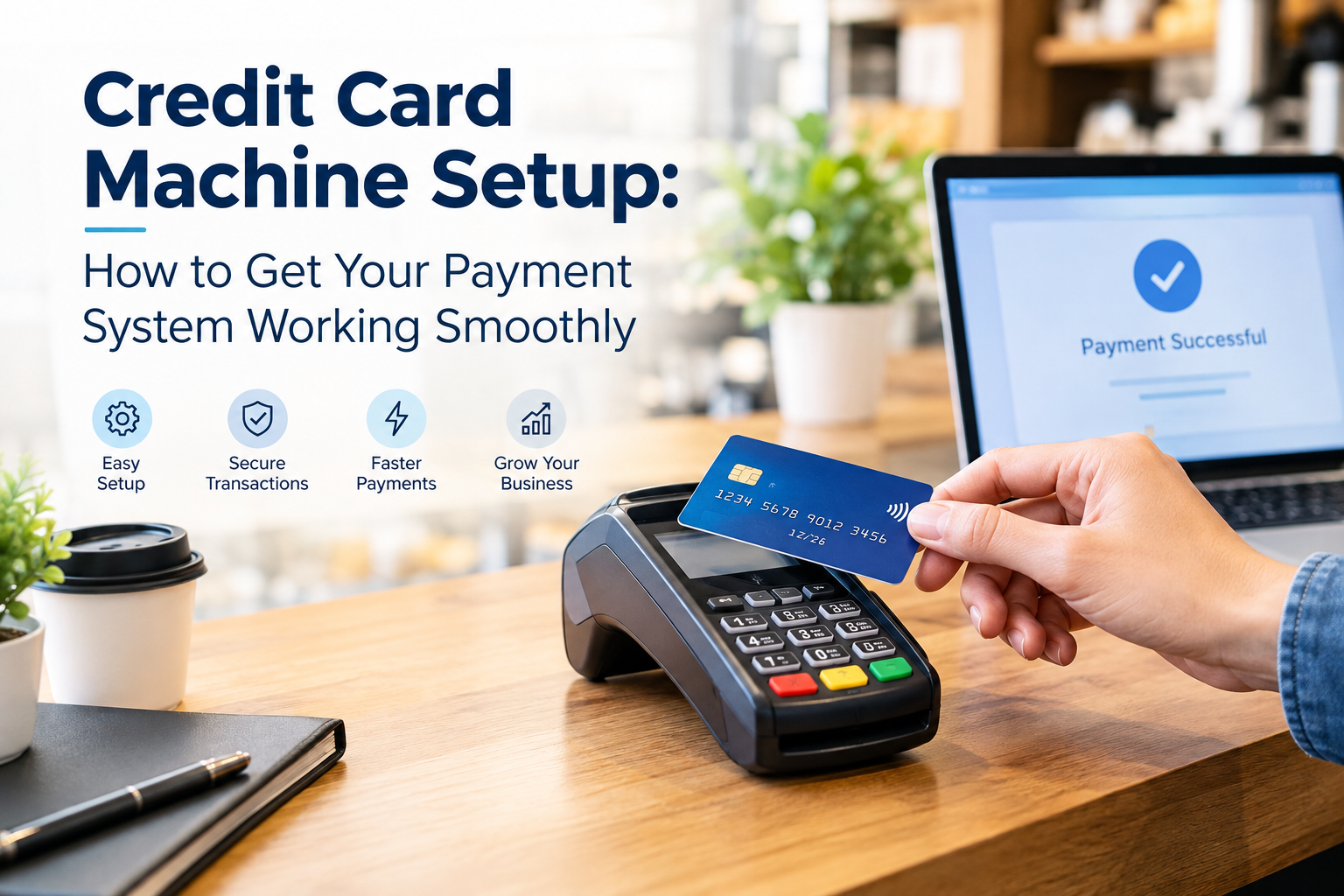
Setting up a credit card machine should be straightforward, but small mistakes can lead to declined transactions, connection problems, incorrect settings, or delays at checkout. Whether you run a retail store, restaurant, service business, or mobile operation, a properly configured payment terminal helps customers pay quickly while keeping transactions organized.
The good news is that most modern card machines follow a similar setup process. You need the right equipment, an active merchant account or payment processor, a reliable internet connection, and a few minutes for testing.
What Do You Need Before Setting Up a Credit Card Machine?
Before starting the credit card machine setup, gather everything required for processing payments. This can prevent unnecessary interruptions during installation.
Most businesses need:
- A credit card machine or payment terminal
- Merchant account or payment processing service
- Internet or cellular connectivity
- Power adapter or charging cable
- POS system, if the terminal will be integrated
- Business and banking information
- Processor login credentials
- Receipt printer, if physical receipts are required
Some terminals work independently, while others connect directly with a POS system. Check the manufacturer's instructions before connecting the device to avoid compatibility problems.
Step 1: Connect and Power the Payment Terminal
Start by placing the terminal somewhere customers can easily access it. Connect the power cable and allow the machine to charge or turn on completely.
If the terminal uses Wi-Fi, make sure it is within a reliable range of your router. Businesses using cellular-enabled terminals should check that the device has an active cellular connection.
Avoid placing the machine where thick walls, metal equipment, or other electronic devices could interfere with connectivity.
Step 2: Connect the Machine to Your Payment Processor
A card machine cannot process transactions simply because it is powered on. It needs to communicate with a payment processor or merchant services provider.
During this stage, you may need to enter activation information, merchant credentials, or a device-specific code.
The processor connects the terminal to the payment network so it can authorize card transactions. Depending on the equipment and provider, some activation steps may happen automatically after the device connects to the internet.
If the machine displays an activation error, check the account credentials and internet connection before changing other settings.
Step 3: Configure Wi-Fi, Ethernet, or Cellular Connectivity
Reliable connectivity is one of the most important parts of a successful payment setup.
For Wi-Fi terminals, select the correct network and enter the password carefully. For Ethernet-enabled equipment, connect the network cable securely and confirm that the terminal recognizes the connection.
Mobile businesses may prefer cellular payment terminals because they can process transactions without depending on a store's Wi-Fi network.
After connecting, run a connection test if the terminal provides one. A stable connection can reduce payment interruptions during busy periods.
Step 4: Configure Your Checkout Settings
The next step depends on how your business accepts payments.
You may need to configure:
- Tax settings
- Tip options
- Receipt preferences
- Contactless payments
- Refund permissions
- Transaction limits
- Employee access
- POS integration
- Digital receipt options
For restaurants and service businesses, tip settings can be particularly important. Retailers may need to configure tax rules and inventory-related POS settings.
Only enable features your business actually needs. Unnecessary settings can make the checkout process more complicated for employees.
Step 5: Connect the Credit Card Machine to Your POS System
If you use a point-of-sale system, integration can make payment processing much easier.
Instead of manually entering transaction totals into the terminal, an integrated system can send the purchase amount directly to the payment device. This reduces duplicate data entry and can help prevent employees from entering the wrong amount.
Before relying on the integration, confirm that the POS software, payment terminal, and processor are compatible.
A successful connection should allow the customer to pay at the terminal while the transaction information is recorded correctly in the POS system.
Step 6: Run Test Transactions
Never assume a new payment terminal is ready simply because it turns on.
Run several test transactions before using the machine with customers. If your provider offers a test mode, use it according to their instructions.
Check whether:
- The card is recognized correctly
- Contactless payments work
- Chip cards are accepted
- The correct transaction amount appears
- Receipts contain the appropriate information
- POS records match the payment
- Refund functionality works as expected
Testing different payment methods can reveal configuration problems before they affect real customers.
How Automated Recurring Billing Fits Into Your Payment System
Businesses that charge customers regularly may need more than a traditional card terminal. Subscription businesses, membership companies, professional services, and other recurring-revenue businesses can benefit from automated recurring billing.
Recurring billing allows a business to schedule future payments based on an agreed billing cycle. Instead of asking customers to manually make the same payment every month, the payment system can process scheduled charges according to the customer's authorization.
For example, a service company might charge a customer monthly for ongoing maintenance. A membership business could collect dues automatically each month.
This is different from simply taking a card payment through a physical terminal. Recurring payments are generally managed through compatible payment-processing software, a billing platform, or a merchant services solution.
Common Credit Card Machine Setup Problems
Several problems can occur during installation.
The terminal won't connect: Check Wi-Fi, Ethernet, or cellular connectivity and restart the device if appropriate.
Cards are being declined: A decline does not always mean the machine is defective. Check whether the merchant account is active and whether the card or transaction requires additional authorization.
POS integration isn't working: Confirm that the terminal and POS system support the same payment integration and that the correct configuration has been enabled.
Receipts are incorrect: Review receipt settings and verify that the business information stored in the payment system is accurate.
Contactless payments aren't working: Confirm that NFC/contactless functionality is enabled and test another compatible card or mobile wallet.
How to Keep Your Payment Setup Reliable
Once your card machine is working, regular maintenance can prevent avoidable problems.
Keep the terminal's software and firmware updated when updates are provided by the manufacturer or payment processor. Train employees on basic troubleshooting, including checking connections and recognizing common transaction messages.
It is also useful to keep a backup payment option available. If your primary terminal experiences a network or hardware problem, having another approved payment method can help prevent unnecessary disruption.
For businesses that handle subscriptions or repeat charges, review recurring payment settings regularly and make sure customers understand the billing schedule.
Final Thoughts
A successful credit card machine setup is about more than plugging in a terminal. The device needs to communicate properly with the payment processor, connect reliably to your network, work with your POS system when applicable, and be tested before handling customer transactions.
Taking the time to configure and test each part can reduce payment errors and create a smoother checkout experience. Businesses that collect regular payments should also consider whether their payment infrastructure supports automated recurring billing, especially when managing subscriptions, memberships, or ongoing services.
The right setup gives employees a simpler checkout process and gives customers more convenient ways to pay.

 English
 Arabic
 French
 Spanish
 Portuguese
 Deutsch
 Turkish
 Dutch
 Italiano
 Russian
 Romaian
 Portuguese (Brazil)