

How Medical Appointment Scheduling Software Improves Resident Care
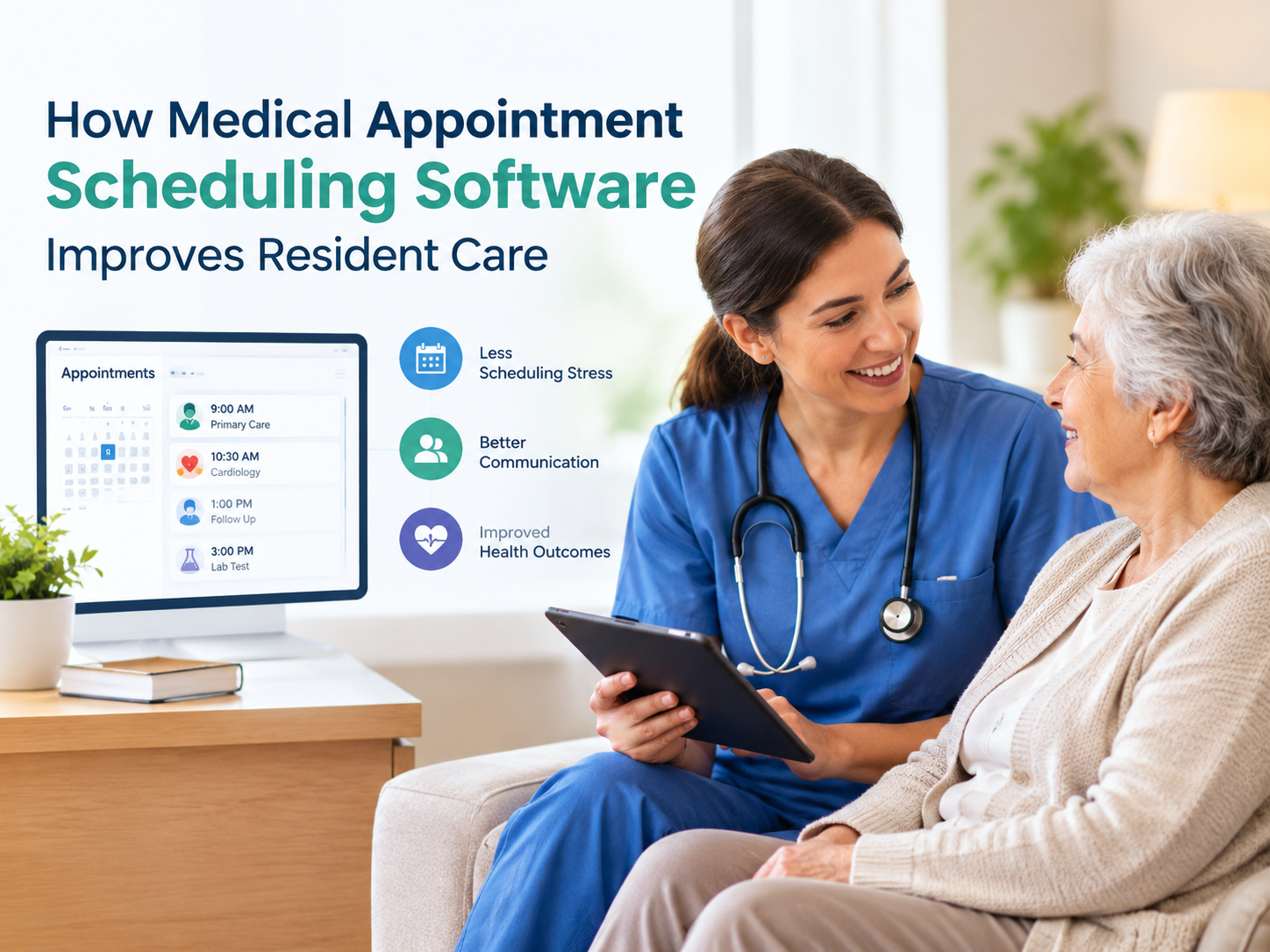
Managing medical appointments can become difficult when care teams rely on paper calendars, spreadsheets, phone calls, and scattered notes. A single resident may have appointments with a primary care provider, specialist, therapist, laboratory, or other healthcare professional. Keeping every visit organized requires more than simply recording a date and time.
Medical appointment scheduling software gives care teams a centralized way to organize appointments, track important details, coordinate staff responsibilities, and document follow-up information. For assisted living communities, this can make daily workflows more consistent while giving caregivers better visibility into upcoming resident needs.
Modern scheduling platforms may connect appointment information with resident records, care plans, documentation, transportation arrangements, and staff tasks. This type of connected workflow can reduce duplicate data entry and make it easier for teams to keep information current.
Why Medical Appointment Scheduling Can Be Challenging
Appointment coordination involves several steps before, during, and after a medical visit.
Staff may need to:
- Schedule the appointment
- Record the provider's information
- Arrange transportation
- Assign a caregiver or escort
- Prepare the resident for the visit
- Share relevant information with the provider
- Record attendance
- Document outcomes and follow-up instructions
- Update the resident's care information
When these tasks are handled separately, information can easily become outdated or difficult to locate. For example, a schedule might show the appointment time while a separate paper note contains transportation details and another document contains follow-up instructions.
A centralized system can bring these details together so authorized team members have a clearer view of the appointment workflow.
What Is Medical Appointment Scheduling Software?
Medical appointment scheduling software is a digital system designed to help healthcare or care organizations create, manage, monitor, and document appointments.
Depending on the platform, features may include shared calendars, appointment reminders, recurring appointments, attendance tracking, provider information, notifications, reporting, and follow-up documentation. Some systems also connect appointment scheduling with electronic health records, care coordination, task management, and resident documentation.
For assisted living teams, the value comes from connecting scheduling with the broader resident care process rather than treating appointments as isolated calendar events.
How It Supports Better Resident Care
1. Keeps Appointments Organized
A centralized appointment calendar allows authorized staff to see upcoming medical visits in one location. Teams can identify appointments by resident, date, provider, appointment type, or status.
This is particularly useful for communities managing many residents with different healthcare schedules. Recurring appointments, such as therapy or dialysis visits, can also be easier to manage when the system supports recurring scheduling.
2. Helps Reduce Missed Appointments
Missed appointments can create additional administrative work and may delay follow-up care. Scheduling technology can help staff identify upcoming visits and send reminders or alerts where supported.
Visibility is also important. When multiple team members can access the same current schedule, there is less dependence on individual calendars or verbal reminders.
3. Improves Care Team Communication
Good appointment coordination requires communication between administrators, nurses, caregivers, transportation staff, residents, families, and outside providers.
A centralized scheduling system can provide a shared source of appointment information. Staff can see important details and coordinate responsibilities without repeatedly searching through separate records.
Some care coordination systems also allow appointment notes, provider communications, and documents to be attached to the resident's record.
4. Supports Transportation Planning
Getting a resident to an appointment is often just as important as scheduling the appointment itself.
Teams may need to coordinate pickup times, transportation providers, caregiver availability, and appointment duration. Scheduling tools that provide shared calendar views or appointment reports can help staff plan these details more effectively.
This can be especially helpful when several residents have off-site appointments on the same day.
Connecting Scheduling With Assisted Living Software
Scheduling becomes more useful when it works alongside other resident care functions.
Assisted Living Software can connect appointment information with resident profiles, care plans, medication management, progress notes, staff tasks, and other operational workflows. This reduces the need to maintain the same information in several systems.
For example, a medical appointment may require preparation before the visit and follow-up after the resident returns. If scheduling and documentation are connected, staff can maintain a more complete record of what happened before and after the appointment.
Integrated platforms commonly bring scheduling, documentation, medication management, care plans, and staff workflows into a connected environment.
Important Features to Look For
Organizations evaluating appointment scheduling technology should focus on practical features rather than simply choosing a system with the largest feature list.
Shared Calendar
A shared calendar gives authorized users visibility into upcoming appointments and changes.
Appointment Reminders
Notifications can help staff remember upcoming visits, preparation requirements, and other time-sensitive tasks.
Recurring Appointment Support
Recurring scheduling is useful for residents who regularly attend therapy, dialysis, laboratory visits, or other ongoing services.
Attendance Tracking
Recording whether a resident attended an appointment creates a useful record for care coordination and follow-up.
Provider Information
The system should make relevant provider details easy for authorized staff to access when needed.
Follow-Up Documentation
After an appointment, staff may need to record recommendations, referrals, new instructions, or future appointments. Keeping this information connected to the resident's record can improve continuity.
Reporting
Reports can help administrators review appointment activity, upcoming visits, completed appointments, or other scheduling information.
Why Integration Matters
A standalone calendar can solve the basic problem of recording appointments, but care organizations often need more than that.
Consider a resident returning from a specialist appointment with a new recommendation. If the appointment exists only on a calendar, staff may need to manually transfer the information into another documentation system.
An integrated platform can create a smoother workflow by connecting scheduling with resident records and care documentation. Current assisted living technology increasingly emphasizes this connection between scheduling, clinical documentation, medication management, and care planning.
The goal is not simply to digitize a calendar. It is to create a more organized process for managing the resident's entire appointment journey.
How to Choose the Right Scheduling Solution
Before selecting a platform, care organizations should review their current appointment workflow.
Ask questions such as:
- How are appointments currently scheduled?
- Where are appointment details stored?
- How are staff notified about changes?
- How is transportation coordinated?
- How are appointment outcomes documented?
- Can recurring visits be scheduled?
- Can authorized staff access information remotely?
- Does the system connect with resident records?
- Can reports be generated when needed?
- Does the platform support the organization's privacy and security requirements?
It is also useful to involve caregivers, nurses, administrators, and scheduling staff in the evaluation. Different team members may use the system differently, so their practical feedback can reveal workflow problems that may not be obvious during a software demonstration.
Creating a More Connected Appointment Workflow
Effective appointment management starts with a consistent process.
A practical workflow might look like this:
Schedule → Notify → Prepare → Transport → Attend → Document → Follow Up
Each stage has a purpose. Scheduling establishes the visit, notifications keep staff informed, preparation ensures the resident is ready, transportation supports timely arrival, and post-visit documentation keeps the care team informed about what happened next.
When these steps are managed within a connected digital workflow, teams can spend less time searching for information and more time supporting residents.
Final Thoughts
Medical appointments are an important part of resident care, but managing them manually can create unnecessary administrative challenges. A centralized scheduling solution can help care teams organize visits, coordinate responsibilities, track attendance, manage follow-ups, and maintain more consistent documentation.
For assisted living communities, the greatest benefit comes when scheduling is connected with resident records, care plans, medication management, staff coordination, and other daily workflows. The result is a more structured approach to appointment management that supports communication and continuity of care.
As care organizations continue moving away from fragmented paper-based processes, integrated scheduling and documentation tools can provide a practical way to keep important resident information organized and accessible to authorized team members.

 English
 Arabic
 French
 Spanish
 Portuguese
 Deutsch
 Turkish
 Italiano
 Russian
 Romaian
 Portuguese (Brazil)
 Greek
Greek
