

How Can You Upgrade an Existing AV System in Dubai Offices?
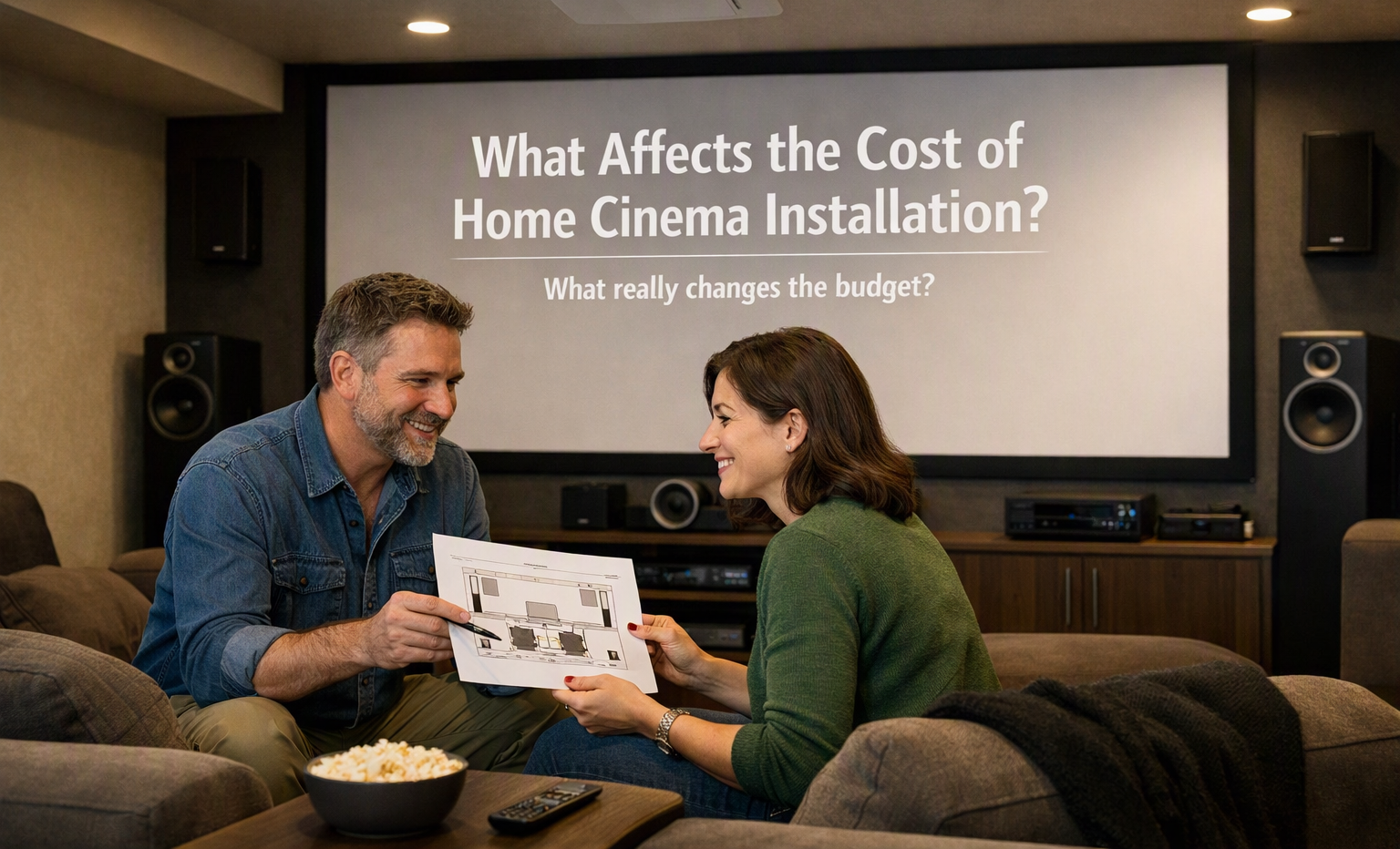
An office AV system can become less useful as technology changes and work needs grow. A home cinema installation company may work with similar audio and video technologies, but office AV systems have different requirements. Before replacing everything, businesses can review their existing equipment and identify which parts need improvement. A careful upgrade can improve meetings, presentations, video calls, and everyday communication without changing the entire setup.
Check the Existing AV Equipment
The first step is to check the current system. Look at displays, projectors, speakers, microphones, cameras, cables, control panels, and other connected equipment. Some devices may still work well, while others may be outdated or difficult to use.
It is useful to note problems such as unclear video, low sound quality, connection issues, or equipment that takes too long to start. This check helps identify which components should be repaired, replaced, or kept.
Improve the Display System
Clear visuals are important in office meetings. Older projectors or displays may have limited brightness or resolution. Replacing an outdated screen with a modern display can make presentations, documents, charts, and video content easier to see.
The size of the room should also be considered. A small meeting room may not need a very large display, while a larger conference room may require a bigger screen or multiple displays. The viewing distance and seating arrangement can also affect the choice.
Upgrade Audio Quality
Poor audio can make meetings difficult, especially when people join remotely. Speakers should provide clear sound throughout the room without creating uncomfortable volume levels.
Microphones are also important. A suitable microphone system can help capture voices more clearly during meetings and video calls. In larger rooms, several microphones may be needed so that people sitting in different areas can speak without moving toward one microphone.
Update Video Conferencing Equipment
Many Dubai offices use video meetings to communicate with clients, employees, and teams in different locations. Older cameras may produce poor image quality or have limited viewing angles.
An upgrade can include a better camera, improved microphone, and suitable speakers. The camera should be positioned so that meeting participants can be seen clearly. For larger rooms, a camera with a wider view or tracking feature may be useful.
Review Cables and Connections
Cables are often overlooked during an AV upgrade. Loose, damaged, or outdated cables can cause signal problems and connection failures. Offices should check HDMI, USB, network, power, and other connections used by the system.
Cable management also matters. Properly arranged cables make the system easier to maintain and reduce the chance of accidental disconnection. Wireless connections can be useful in some situations, but wired connections may still be preferred for certain devices where stable performance is important.
Add a Simple Control System
An office AV system can become difficult to use when every device has a separate remote or control method. A simple control system can bring common functions together.
For example, users may be able to control the display, audio, lighting, and video conferencing equipment from one interface. The goal should be to make normal meeting tasks simple rather than adding unnecessary features.
Consider Room Lighting
Lighting can affect the performance of an AV system. Strong light directly facing a display can make images harder to see. At the same time, very dark rooms may not be comfortable for people attending meetings.
Adjustable lighting can provide better control. Different lighting levels can be used for presentations, video calls, discussions, and general office work. Window blinds or shades can also help manage natural light when required.
Make the System Easy to Use
A technically advanced AV system is not always useful if employees find it difficult to operate. Common tasks such as starting a presentation, joining a video call, changing the display source, and adjusting volume should be straightforward.
Clear labels and simple instructions can help employees use the system with less confusion. Short training sessions can also be useful after an upgrade, especially when new equipment or control methods are introduced.
Plan the Upgrade in Stages
An office does not always need to replace every AV component at once. A staged upgrade can begin with the equipment causing the biggest problems.
For example, an office might first improve its meeting room camera and microphones, then replace an outdated display later. This approach allows businesses to address important issues while keeping the existing equipment that still works properly.
When planning an office AV upgrade, businesses can also learn from related technologies used in residential entertainment spaces. A home cinema installation company can provide useful technical perspectives on displays, sound, connections, and room layouts, although office requirements should always guide the final system design.

 English
 Arabic
 French
 Spanish
 Portuguese
 Turkish
 Dutch
Dutch
 Italiano
 Russian
 Romaian
 Portuguese (Brazil)
 Greek
Greek
