

How Technology Solutions Help Small Businesses Improve Productivity and Efficiency
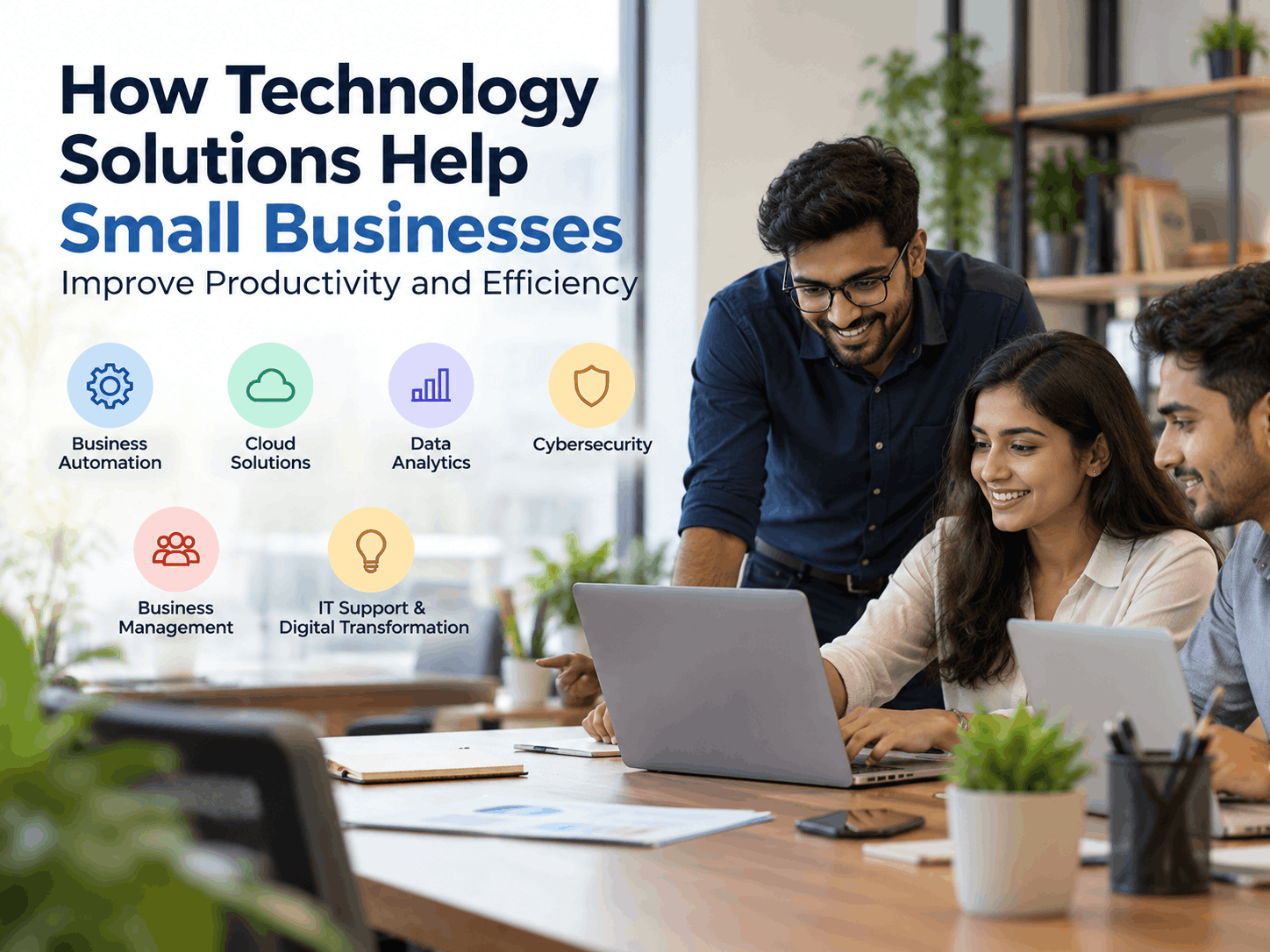
Small businesses often operate with limited time, staff, and resources. Owners and managers may handle several responsibilities at once, including sales, customer service, finance, operations, and employee management. In this environment, even simple delays or repetitive tasks can affect productivity and reduce profitability.
The right technology solutions can help small businesses work more efficiently without adding unnecessary complexity. From cloud-based software and business automation to data analytics and cybersecurity, modern tools make it easier to organize work, serve customers, and make informed decisions. Technology is not only useful for large companies; it can also give small businesses the structure and flexibility they need to compete and grow.
Simplifying Work with Business Software and Automation
Many small businesses still rely on spreadsheets, paper records, email chains, or manual data entry. These methods may work initially, but they can become inefficient as the business gains more customers and employees. Business software helps bring important activities into organized, centralized systems.
For example, accounting software can help record transactions, prepare invoices, monitor expenses, and organize financial reports. Project management platforms allow teams to assign tasks, set deadlines, track progress, and communicate in one place. Human resource systems can simplify attendance tracking, leave management, onboarding, and payroll-related processes.
Business automation takes this improvement further by allowing software to complete repetitive tasks with minimal human involvement. A business may automate:
-
Appointment confirmations and reminders.
-
Invoice generation and payment notifications.
-
Email responses and customer follow-ups.
-
Employee approval workflows.
-
Inventory alerts and reorder notifications.
-
Data entry between connected applications.
Consider a small marketing agency that manually sends follow-up emails after every client meeting. By using a customer management system with automated email workflows, the agency can save time and maintain consistent communication. Employees can then focus on campaign strategy and client relationships instead of repetitive administrative work.
The goal is not to automate every activity. Businesses should first identify repetitive, time-consuming tasks that follow a clear process. These are usually the best opportunities for automation.
Using Cloud Solutions for Flexible Operations
Cloud technology allows businesses to access applications, files, and services through the internet instead of relying entirely on computers or servers located at one office. Cloud solutions can support remote work, collaboration, data storage, backup, and business continuity.
With cloud-based tools, employees can work on shared documents, update project information, and access business systems from different locations. This is especially helpful for businesses with remote staff, multiple branches, field employees, or flexible working arrangements.
Cloud technology can also reduce the need to purchase and maintain expensive in-house infrastructure. Instead of managing physical servers, a business can use subscription-based services and scale its usage as its needs change. A growing online retailer, for instance, can use cloud-based inventory and order management software to coordinate sales across its website and marketplaces.
However, moving to the cloud should be planned carefully. Business owners should evaluate:
-
Data ownership and access controls.
-
Backup and recovery procedures.
-
Vendor reliability and support.
-
Integration with existing software.
-
Monthly and long-term costs.
-
Compliance requirements for sensitive information.
A well-planned cloud strategy can give small businesses greater flexibility while making their technology environment easier to manage.
Making Better Decisions with Data Analytics
Small businesses generate data every day through sales transactions, website activity, customer inquiries, marketing campaigns, and operational records. Without proper analysis, this information may remain unused. Data analytics helps turn business data into practical insights.
Simple dashboards and reports can show which products sell most often, which marketing channels attract customers, when demand is highest, and where costs are increasing. These insights can support decisions about pricing, staffing, inventory, and promotions.
For example, a restaurant may compare sales by day and time to understand its busiest periods. It could use this information to schedule employees more effectively and plan stock purchases. A training institute might track course inquiries, enrollment rates, and student feedback to identify which programs require stronger promotion or curriculum updates.
Businesses do not need advanced artificial intelligence systems to begin using data analytics. They can start with a few important questions:
-
Which business results do we need to improve?
-
What information is already available?
-
Which key performance indicators should we monitor?
-
How frequently should reports be reviewed?
-
Who will be responsible for acting on the findings?
The value of analytics comes from using insights to take action. A report is useful only when it helps the business make a clearer and more timely decision.
Strengthening the Business with Cybersecurity Solutions
Technology can improve efficiency, but it also creates new security responsibilities. Cyberattacks, weak passwords, phishing emails, accidental data exposure, and unsafe devices can affect businesses of every size. A security incident may disrupt operations, damage customer trust, and create unexpected costs.
Cybersecurity solutions help protect business systems, information, and users. Important measures include:
-
Multi-factor authentication for critical accounts.
-
Strong and unique passwords.
-
Regular software and operating system updates.
-
Antivirus and endpoint protection.
-
Secure data backups.
-
Firewall and network protection.
-
Employee training on phishing and suspicious links.
-
Restricted access to confidential files.
-
A documented response plan for security incidents.
Training is especially important because employees are often targeted through convincing emails or messages. Staff should know how to verify payment requests, identify unusual login notifications, and report potential threats.
Small businesses should also follow the principle of giving users only the access they need. For example, an employee responsible for sales may not require access to payroll records. Limiting permissions can reduce the impact of compromised accounts or accidental mistakes.
Cybersecurity should be treated as an ongoing business process rather than a one-time software purchase.
Managing Customers and Operations More Effectively
Customer and business management systems help small businesses organize relationships, communication, and daily operations. A customer relationship management system, commonly known as a CRM, can store contact details, sales opportunities, service history, follow-up tasks, and customer preferences in one place.
This prevents customer information from being scattered across personal notebooks, inboxes, and spreadsheets. When a customer contacts the business, an employee can quickly review previous interactions and provide more consistent service.
A CRM can also help businesses identify leads that need follow-up. For example, a consulting firm may record when a prospect requested a proposal, schedule a reminder, and track whether the opportunity progressed. This reduces the risk of losing potential business because someone forgot to respond.
Other management systems can support inventory, purchasing, human resources, field service, and project delivery. Integrating these systems can further reduce duplicate data entry. When a sale automatically updates inventory and accounting records, employees spend less time entering the same information in multiple places.
Getting the Right IT Support and Planning Digital Transformation
Technology is most effective when it matches the business’s actual needs. Buying too many tools can create confusion, unnecessary costs, and disconnected systems. Small businesses should adopt technology in stages, beginning with the areas that have the greatest effect on productivity or customer service.
IT support can help businesses select software, configure devices, manage user access, troubleshoot problems, maintain backups, and plan upgrades. Reliable support also reduces downtime when technical issues occur.
Digital transformation does not always mean replacing every existing system. It may involve improving a single process, connecting two applications, moving files to a secure cloud platform, or introducing a better method for serving customers.
A practical approach is to:
-
Map the current business processes.
-
Identify delays, repeated work, and avoidable errors.
-
Set clear goals for improvement.
-
Select tools that integrate with existing systems.
-
Train employees before full implementation.
-
Measure results and adjust the process.
For specialized requirements, businesses may also consider software development services. Custom software can be useful when standard products cannot support a unique workflow, industry requirement, or customer experience. Before investing in a custom system, however, the business should clearly define the problem, expected benefits, maintenance needs, and total cost.
Choosing Technology That Supports Growth
The best IT solutions for small businesses are practical, secure, and scalable. Business owners should consider not only the purchase price but also implementation, training, support, integration, and future expansion.
A small business may begin with cloud file storage, accounting software, a CRM, automated payment reminders, and basic cybersecurity controls. As it grows, it may add advanced reporting, inventory management, online customer portals, or custom applications.
Technology providers such as Infoz IT Solutions can serve as examples of partners that help businesses evaluate technology needs and implement suitable digital solutions. The right provider should understand the company’s objectives, explain options clearly, protect business data, and offer support after implementation.
Conclusion
Technology solutions can help small businesses improve productivity by reducing manual work, organizing information, and supporting faster communication. Cloud solutions make collaboration more flexible, data analytics improves decision-making, and cybersecurity solutions protect systems and customer information. Business software, automation, customer management systems, IT support, and software development services can also help businesses operate more consistently and prepare for growth.
The most effective strategy is to start with real business challenges, choose tools that solve those challenges, and introduce improvements step by step. When technology is properly planned and supported, it becomes more than an operational expense it becomes a practical foundation for efficiency, resilience, and long-term business development.

 English
 Arabic
 French
 Spanish
 Portuguese
 Deutsch
 Turkish
 Dutch
Dutch
 Italiano
 Romaian
 Portuguese (Brazil)
 Greek
Greek
