

Starlink Rental Los Angeles Is It Right for Your Trip or Event?
Not every project needs satellite internet, and not every Starlink kit suits every job. If you're weighing a Starlink rental Los Angeles plans call for, the smartest first step is to match the rental to what you're actually doing. A camper, a film crew and a freelancer on deadline all want a connection, but they need different things from it. This guide walks through the most common situations so you can tell quickly whether a rental fits yours.
The quick test: do you really need it?
Ask yourself three questions before going any further.
- Will my phone have a reliable signal where I'm going?
- Do I need the connection for something that matters, like a call, a payment or an upload?
- Will I have power and a view of the open sky?
If your phone works fine and you only need to check messages, a hotspot is cheaper and simpler. If the answer to the first question is "no" and the second is "yes," a rental is worth a serious look. The third question decides whether it will actually work once you're there.
Campers and road trippers
This is the most common use. The mountains, deserts and forests around Southern California are full of places where cell service fades out. A Starlink kit can give a campsite a working connection for movie nights, maps, messages and the occasional work email.
What matters most: power and sky. The dish uses about 60 watts, so it runs from an RV battery system, a generator or a small 100W solar panel. If you're tent camping with no power at all, plan a battery or generator before you go. Pick a campsite with open sky, because tall trees are the most common cause of dropouts.
Remote workers and freelancers
If your job lets you work from anywhere, a rental can turn a remote cabin or a rented house with weak internet into a usable office. The things you care about are steady video calls, reliable uploads and no surprises.
What matters most: unlimited data and a test run. Confirm that the data really is unlimited, and test the kit at home before your big week starts. Keep your phone hotspot as a last-resort fallback so one hiccup doesn't cost you a client meeting.
Event organizers
Outdoor weddings, markets, pop-ups, festivals and fundraisers often happen in places with no Wi-Fi at all. Yet card readers, check-in lists, music streaming and livestreams all depend on an internet connection.
What matters most: placement and timing. Put the dish somewhere with open sky and near power, but out of the way of foot traffic. Book well ahead, since busy weekends are when kits get scarce, and allow a setup day so you can solve problems before guests arrive.
Film, photo and content crews
Crews often work in remote locations and need to upload files, check in with editors or stream a feed. A rental lets a small team stay connected without a permanent setup.
What matters most: multiple devices and a clear plan for power. A Wi-Fi router that connects several devices at once is important. Ask what's included in the kit, and plan how you'll power it through a full shoot day.
Homeowners facing an outage
Sometimes the need is at home. A storm or a damaged line can take the internet down for days, and a second connection that doesn't rely on your local cable or fiber can keep you working.
What matters most: power. If the whole neighborhood loses electricity, the dish still needs a source. A generator or battery is the fix. In a plain internet outage with the lights still on, it's much simpler.
Anyone trying Starlink before buying
Thinking about Starlink for an RV, a cabin or a second property? Renting for a trip tells you far more than reviews will. You'll learn how it handles your actual locations, how much power it draws in practice and whether the speeds suit your work.
What a good rental should include
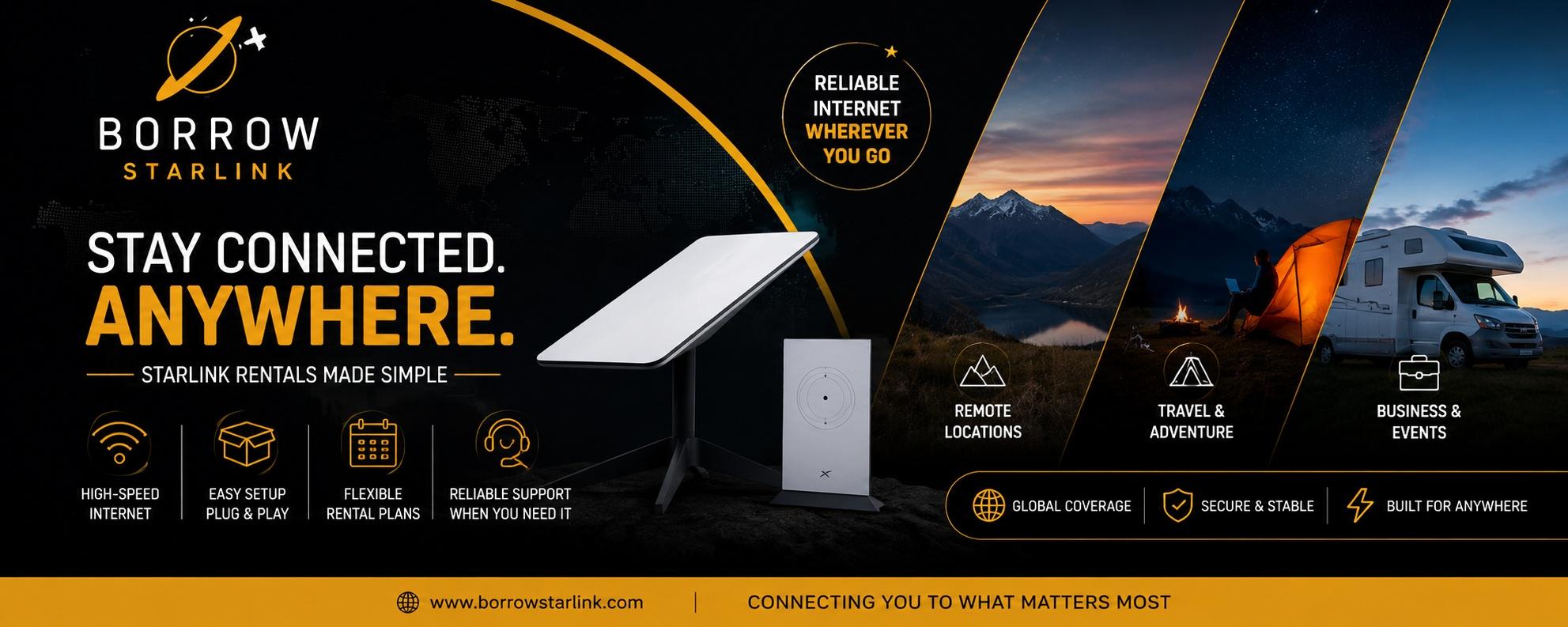
Whatever your situation, check the contents of the kit. A solid rental has the dish, a Wi-Fi router, the power cables and a protective case. Borrow Starlink, for instance, lists the dish, router, custom hard case and unlimited data with every rental, and it handles the account and equipment setup, so you don't need your own Starlink subscription.
Questions to ask before you book
Terms differ from one provider to another, so ask a few things first:
- What exactly comes in the kit?
- Is the data truly unlimited, with no slowdown after a cap?
- Is there a deposit, and how is it returned?
- What are the fees for late returns or damage?
- Which regions are covered? Many kits are designated for North America, including Canada and Mexico.
- How do delivery or pickup and returns work for my dates?
Don't assume a provider can deliver to your city. Ask directly, and get the answer before you plan around it.
Setting it up
Setup is quick for nearly everyone:
- Find a spot with a wide, open view of the sky.
- Place the dish on its stand.
- Connect the cables and plug in the power.
- Wait a few minutes while the dish finds its position.
- Connect your devices to the Wi-Fi network.
Download the Starlink app before you leave cell coverage. It helps you find a good spot for the dish and fix problems, and it's hard to install once you're offline.
What it can and can't do
Starlink handles video calls, streaming, cloud work and uploads in places where other options fail. It isn't flawless, though. Heavy rain or snow can slow it down, and a blocked view will cause interruptions. Speeds also vary by location and time of day, so treat the numbers in advertisements as best-case. And remember it's outdoor equipment: keep it dry, don't leave it in a hot car and handle it carefully.
So, is it right for you?
A rental fits best when three things are true: you'll be somewhere with weak or no service, the connection matters for your plans, and you can supply power and a clear spot for the dish. If you only need it a few times a year, renting is almost always smarter than buying. If you'd use it constantly, buying may cost less over time.
If you're ready to look at options, Borrow Starlink offers short and long term rentals with the dish, router, hard case and unlimited data included. Contact them, ask about availability for your dates and confirm that your location is covered before you book.

 English
 French
 Spanish
 Portuguese
 Deutsch
 Turkish
 Dutch
Dutch
 Italiano
 Russian
 Romaian
 Portuguese (Brazil)
 Greek
Greek
