

Why HDMI Connections Matter for Modern Home Entertainment
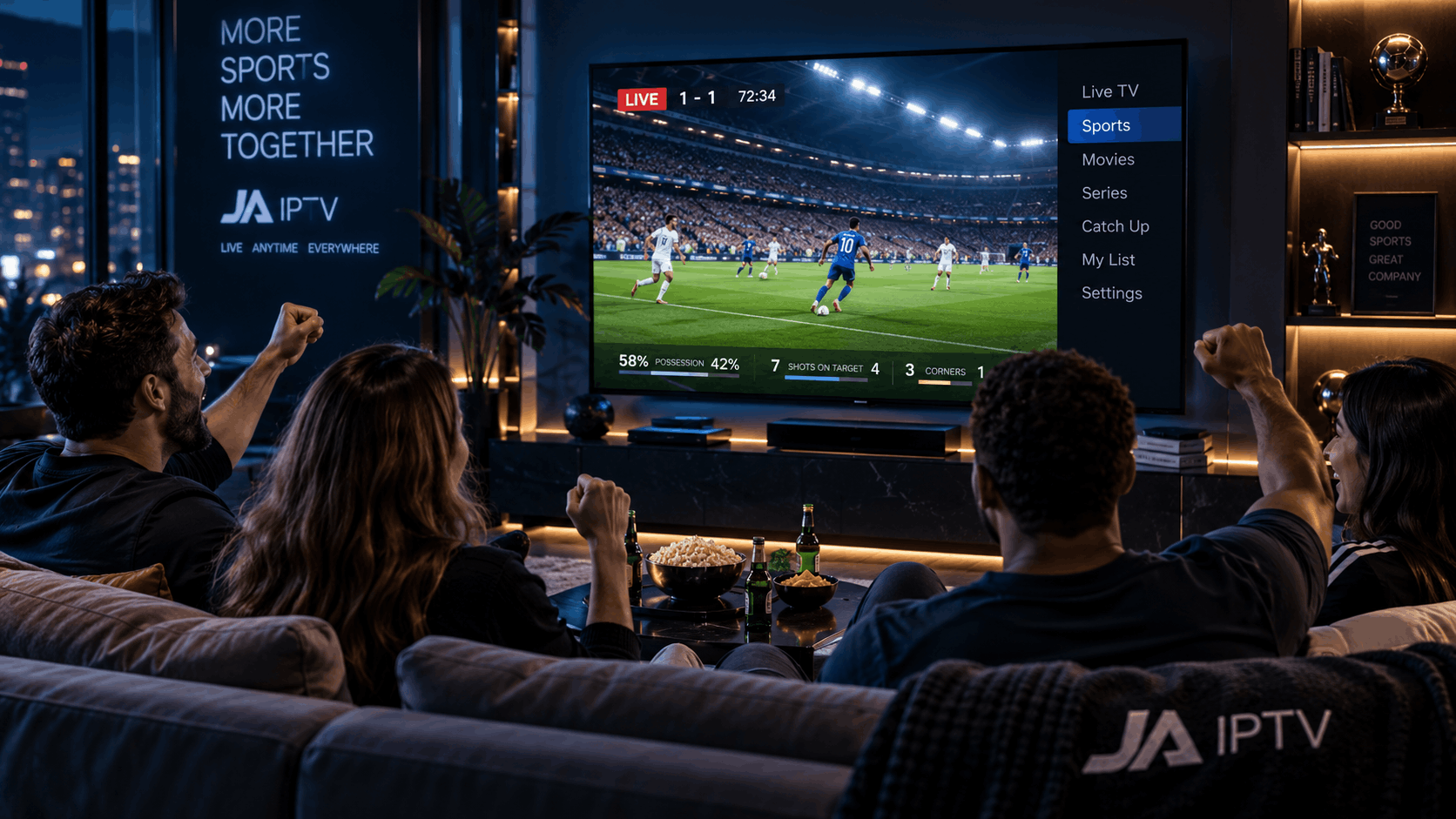
Modern home entertainment systems often include more than just a television. Streaming devices, gaming consoles, soundbars, laptops, and other equipment can all play a role in how people watch and enjoy content. Connecting these devices properly helps create a smoother and more convenient experience. One of the most widely used connection standards for this purpose is HDMI.
HDMI, short for High-Definition Multimedia Interface, allows compatible devices to transmit digital video and audio through a single cable. This reduces the need for separate connections and makes it easier to organise an entertainment setup. Understanding how HDMI works, which features matter, and how to choose the right cable can help households get more from their equipment.
HDMI Makes Connecting Entertainment Devices Easier
One of the main advantages of HDMI is its ability to carry audio and video through the same cable. Older connection methods often required separate cables for sound and picture, which could make a home entertainment area more complicated to manage.
With HDMI, a user can connect a streaming box, game console, or laptop to a compatible television using a single cable. A soundbar or audio receiver can also be connected through supported HDMI ports, depending on the equipment.
This simpler arrangement improves device connectivity by allowing different components to work together through familiar connection standards. It can also reduce cable clutter behind a television cabinet and make it easier to identify which device is connected to each input.
For households that regularly switch between gaming, streaming, and other activities, having clearly organised HDMI connections can make everyday use more convenient.
Picture Quality Depends on Compatible Equipment
HDMI supports a range of video resolutions and refresh rates, but the results depend on the capabilities of the connected devices, the cable, and the HDMI version supported by the equipment.
For example, a television and streaming device that both support 4K resolution can deliver 4K video when the content, settings, connection, and cable are suitable. However, connecting a device that only supports a lower resolution will not automatically produce a higher-resolution picture.
Refresh rate is another important consideration, especially for gaming and fast-moving content. Some HDMI configurations support higher refresh rates, while others have limitations. Users who want features such as 4K at 120 Hz should check the specifications of the television, source device, and cable before making a purchase.
High Dynamic Range, commonly known as HDR, can also improve the appearance of supported content by providing a wider range of brightness and colour. To use it successfully, the source device, display, content, and connection must all support the relevant HDR format.
Choosing compatible equipment is more important than simply buying the most expensive cable available.
HDMI Helps Deliver Better Audio Experiences
Sound quality is an important part of home entertainment. Although many televisions include built-in speakers, some households use soundbars, AV receivers, or external speaker systems for clearer dialogue and a more immersive experience.
HDMI can carry digital audio alongside video, helping reduce the number of cables required. For compatible equipment, HDMI Audio Return Channel (ARC) allows audio from a television to travel back to a connected soundbar or receiver through an HDMI connection.
Enhanced Audio Return Channel (eARC) offers greater audio bandwidth and supports additional advanced audio formats when the connected devices are compatible.
These features can make it easier to manage sound from multiple sources. For example, a television connected to a soundbar through ARC or eARC may allow audio from built-in television applications and connected devices to play through the external speakers.
However, ARC and eARC are not interchangeable in every situation, and the available features depend on the ports and settings of the devices involved. Checking the user manuals can help prevent unnecessary troubleshooting.
Understanding HDMI Versions and Cable Types
Not every HDMI cable offers the same performance. Different cable categories are designed to support different bandwidth requirements, making it important to match the cable to the features a user wants.
Standard HDMI cables may be sufficient for older equipment and basic viewing needs. High Speed HDMI cables support higher bandwidth than Standard cables, while Premium High Speed and Ultra High Speed cables are designed for more demanding video capabilities.
When shopping for a cable, consider the following factors:
-
Resolution: Check whether the cable supports the resolution required by the connected devices.
-
Refresh rate: Higher refresh rates may require greater bandwidth.
-
HDR support: Confirm that the full setup supports the desired HDR features.
-
Cable length: Longer cables may require more careful selection to maintain a reliable signal at high bandwidths.
-
Certification: Look for appropriate certification and clear specifications rather than relying only on marketing claims.
An expensive cable is not automatically better for every setup. A properly certified cable that meets the system's requirements is usually the most sensible choice.
HDMI-CEC Can Simplify Everyday Controls
Another useful feature is HDMI Consumer Electronics Control, commonly called HDMI-CEC. When supported and enabled, it allows compatible devices to control certain functions through an HDMI connection.
For example, switching on a connected device may also turn on the television, or a television remote may control the volume of a compatible soundbar. The exact behaviour varies between manufacturers, and some brands use different names for the same general feature.
HDMI-CEC can reduce the number of remote controls needed for routine tasks. However, it may occasionally cause unexpected behaviour when several connected devices attempt to control one another.
If a television turns on unexpectedly or switches inputs without the user intending it to, checking the CEC settings on connected devices may help resolve the problem.
Organising HDMI Ports Improves Usability
The number and placement of HDMI ports can affect how conveniently a household uses its entertainment system. A television with several HDMI inputs can accommodate multiple devices without requiring users to unplug one component whenever they want to use another.
Before purchasing a television, count the devices that will need a connection. These might include a streaming player, gaming console, soundbar, computer, or Blu-ray player. It is also worth checking whether the television has enough ports that support the specific features required by each device.
Labelling cables or making a simple note of which device uses each input can save time when troubleshooting. Keeping cables accessible also makes it easier to disconnect equipment safely when moving or replacing devices.
If the television has too few ports, an HDMI switch may provide additional inputs. Users should verify that the switch supports the required resolution, refresh rate, HDR format, and other features. A switch does not increase the capabilities of the television itself.
Troubleshooting Common HDMI Problems
Even a well-planned setup can experience occasional connection issues. A television may display a blank screen, show an unsupported signal message, or play video without sound.
Several basic checks can help identify the cause:
-
Check the selected input. Make sure the television is set to the HDMI port being used.
-
Inspect the cable. Confirm that both ends are firmly connected and that the cable has no visible damage.
-
Restart the devices. Turning off the television and source device before reconnecting them may resolve temporary communication problems.
-
Test another port or cable. This can help determine whether a particular port or cable is causing the issue.
-
Review resolution settings. If the display does not support the output resolution or refresh rate, select a compatible setting on the source device.
-
Check audio settings. Confirm that the television or connected device is sending sound to the intended output.
Users should also check for firmware updates when connection problems persist. If the issue continues, consulting the manufacturers' support documentation can help identify device-specific limitations.
Plan Connections Around Future Needs
Entertainment equipment changes over time. A household may eventually add a new gaming console, upgrade to a 4K television, or introduce a soundbar. Thinking about future requirements can help avoid replacing cables or accessories unnecessarily.
When selecting new equipment, look beyond the number of HDMI ports. Consider supported resolutions, refresh rates, ARC or eARC compatibility, and whether the available inputs meet the needs of the devices already in use.
It is also useful to leave enough space around connected equipment for ventilation and cable access. Avoid sharply bending HDMI cables or placing heavy objects on them, as physical strain can damage the cable or connection.
A little planning can make future upgrades easier and help the entire setup remain practical as technology evolves.
Conclusion
HDMI connections play an important role in modern home entertainment by simplifying audio and video transmission between compatible devices. They can support high-resolution viewing, advanced audio systems, convenient controls, and a more organised entertainment area.
The best results come from matching cables and equipment to the features a household actually needs. By checking compatibility, organising ports, understanding useful HDMI features, and troubleshooting connections methodically, viewers can build a more reliable and convenient home entertainment setup.

 English
 Arabic
 French
 Spanish
 Portuguese
 Deutsch
 Dutch
Dutch
 Italiano
 Russian
 Romaian
 Portuguese (Brazil)
 Greek
Greek
