

How to Integrate Home Automation with Audio and Video Systems
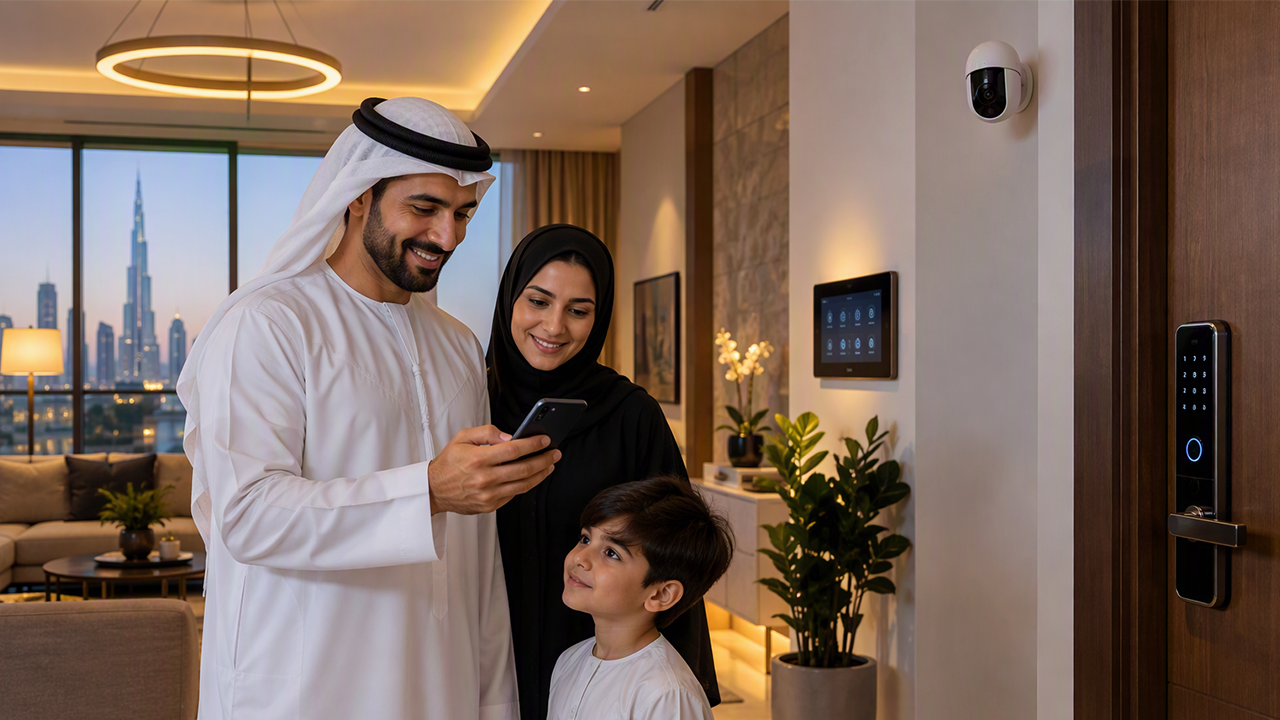
Home automation can make it easier to control music, televisions, speakers, lighting, and other devices in a house. When home automation works with audio and video systems, people can manage different features through a mobile app, wall panel, remote control, or voice command. For example, a single command can turn on the television, adjust the lights, and start a movie. To create a system that works well, it is important to check device compatibility, plan the connections, and choose controls that suit the home.
Understand How the Systems Work Together
Home automation connects different devices so they can work together. Audio systems manage sound, while video systems include televisions, projectors, and displays. A home automation controller can help manage these devices from one place.
For example, a homeowner may want to play music in the living room while keeping the television switched off. Another person may want to start a movie with suitable lighting and sound settings. These activities can be set up as simple routines.
Before planning the system, list the devices you already have and decide which ones you want to control together. This helps you understand what equipment or connections may be needed.
Check Device Compatibility
Not every audio or video device can connect directly to every home automation system. Some devices support Wi-Fi, Bluetooth, Ethernet, or other communication methods. Others may need a special control connection or an additional interface.
Check the product specifications before buying new equipment. Look for supported control methods, network requirements, and compatibility with the home automation controller.
For example, a smart television may work with a particular automation platform, while an older television may need an external control device. Speakers and amplifiers may also require compatible connections.
Checking these details early can help prevent connection problems and avoid the cost of replacing equipment that does not meet your needs.
Connect Audio Equipment to Home Automation
Audio integration allows homeowners to control music and sound equipment through a shared system. Depending on the setup, this may include speakers, amplifiers, music players, and streaming devices.
A multi-room audio system can play the same music in different rooms or allow each room to play something different. For example, someone can listen to music in the kitchen while another person watches a film in the living room.
The system should be planned according to room size, speaker placement, and listening needs. Wired speakers may need cables installed inside walls or ceilings, while wireless equipment depends on a suitable network and power supply.
It is also useful to decide how people will choose music, change volume, and control different rooms. Simple controls can make the system easier for everyone to use.
Integrate TVs, Projectors, and Displays
Video integration allows compatible televisions, projectors, and other displays to work with a home automation controller. Users may be able to switch devices on or off, select inputs, and manage certain functions through a single interface.
For example, a home cinema routine could turn on the projector, select the correct video source, and prepare the connected audio system. The exact functions depend on the equipment and the control methods it supports.
When planning a home cinema, check the connections between the display, receiver, streaming device, and speakers. HDMI connections, including supported audio return features, may be important for sending sound between compatible devices.
Cable length, ventilation, mounting position, and access to equipment should also be considered during installation.
Create Simple Scenes for Daily Use
Scenes allow several devices to follow a set of instructions with one command. They can make common activities easier by reducing the number of separate controls people need to use.
A movie scene, for example, could dim compatible lights, turn on the television or projector, and select the correct audio input. A music scene could switch on selected speakers and set a preferred volume.
A family may also create a general evening scene that adjusts the lights and turns off unused entertainment equipment.
Each scene should match the household's routine. It is helpful to test the settings and make changes if the sound level, lighting, or device order is not suitable.
Plan the Network and Wiring
A reliable connection is important when several devices need to communicate. Some systems use a home network, while others rely on dedicated cables or control connections.
Check whether the Wi-Fi network can cover the rooms where wireless devices will be used. Large homes, thick walls, and many connected devices may affect wireless performance. Ethernet connections can provide a stable option for compatible equipment that needs reliable network access.
Wiring should also be planned before renovation or installation work begins. Keeping cables organised and allowing access to important equipment can make future maintenance easier.
For existing homes, wireless controls or suitable adapters may reduce the need for major changes, depending on the devices involved.
Keep the System Easy to Use and Maintain
A connected system should be simple enough for everyone in the home to operate. Too many apps, complicated scenes, or unclear controls can make everyday use difficult.
Choose a control method that suits the household, such as a mobile app, wall panel, remote, or voice control. Make sure users understand how to operate the main features and how to control devices manually if needed.
Regularly check software updates, network connections, and device settings. Keep a record of important equipment details and control settings so that changes can be made more easily later.
Privacy should also be considered when connecting devices that use microphones, cameras, or online services. Review permissions and secure the home network with strong passwords.
When planning an integrated entertainment setup, Home automation should be selected according to the devices, rooms, and routines involved. A clear plan can help audio and video equipment work together in a practical way, making it easier to manage entertainment without using separate controls for every device.

 English
 Arabic
 French
 Spanish
 Portuguese
 Deutsch
 Turkish
 Italiano
 Russian
 Romaian
 Portuguese (Brazil)
 Greek
Greek
